
TL;DR: An inkless portable printer uses thermal printing instead of ink or toner: a heated printhead darkens heat-sensitive labels or paper. That removes cartridge costs, smeared reprints, and most maintenance, so you only keep buying labels. Output is black only on special media. For shipping, Rollo’s desktop thermal printers pair with Rollo Ship to go from order to printed label in a few clicks.
Inkless Label Printers: At a Glance
- What it is: a thermal printer that uses heat, not ink cartridges or toner, to print.
- What you keep buying: thermal labels or paper. No cartridges, ever.
- Where the savings come from: no ink, fewer reprints from smears, and almost no maintenance.
- Best for: shipping labels, barcodes, product labels, and receipts.
- Limits: black-only output, special thermal media, and prints that fade over months, not years.
- Rollo printers: desktop units that run on AC power. The Rollo Wireless prints a 4×6 label in about a second at 203 dpi over Wi-Fi.
What’s Covered
Imagine this. You’re packing orders when your inkjet coughs out a streaky label. You jiggle the tray, shake the cartridge, and watch the clock. An inkless portable printer ends that chaos. No ink cartridges. No clogs. Just fast printing, clean labels, and lower costs—at your desk, home office, or on the go.
Reason 1 — Secure Cost Savings & ROI
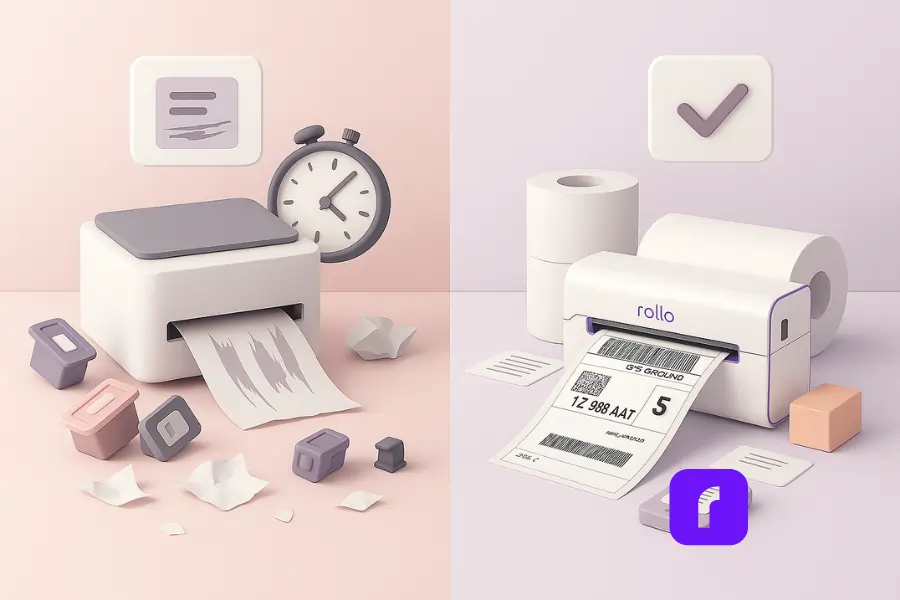
Inkless printers remove the biggest money drain—ink or toner. A thermal printer uses thermal paper, not cartridges, so your per-print cost drops and your payback comes fast. Fewer parts to replace, fewer jams, less downtime. Over a year, that adds up to real cash you can reinvest.
Think about where the money actually goes with an inkjet. Every busy week, you burn through ink cartridges, and problems pile up:
- 🧴 Cartridges dry out before you finish them
- 🖊️ Streaks ruin labels and force reprints
- 📄 Failed prints waste paper and time
- ⏱️ Mid-shift breakdowns slow your workflow
A portable inkless printer avoids all that. You load paper rolls, keep printing, and skip the waste spiral.
Long-Term Value That Pays for Itself
A solid inkless portable printer is also more cost effective over its life. No surprise consumables. No “emergency” runs for a color cartridge when you only need black white shipping text. Most thermal models print crisp black text that scans well and passes carrier checks. For letter jobs, you can route packing slips to a standard device, but for labels, thermal wins.
Rollo leans into that math. Pair Rollo’s inkless thermal printer with Rollo Ship to pull orders, batch print, and cut label waste. You’ll see fewer misprints and fewer re-prints, which quietly lowers your all-in price per label. Bonus: Rollo Ship has a free trial, so you can test the workflow before you commit.
Where the inkless portable printer savings come from
| Cost drain (old setup) | Inkless fix (thermal) |
|---|---|
| Cartridges and clogs | No cartridges at all |
| Reprints from smears | Smudge-resistant thermal printing |
| Downtime swapping parts | Load a new roll and go |
| Color ink for black labels | Crisp black white output |
All of that means faster payback and less stress—especially in peak season so you can print labels wherever your orders take you. For Amazon sellers, here’s a helpful strategy for managing Amazon shipping labels on the go.
Reason 2 — Secure Portability & Flexibility
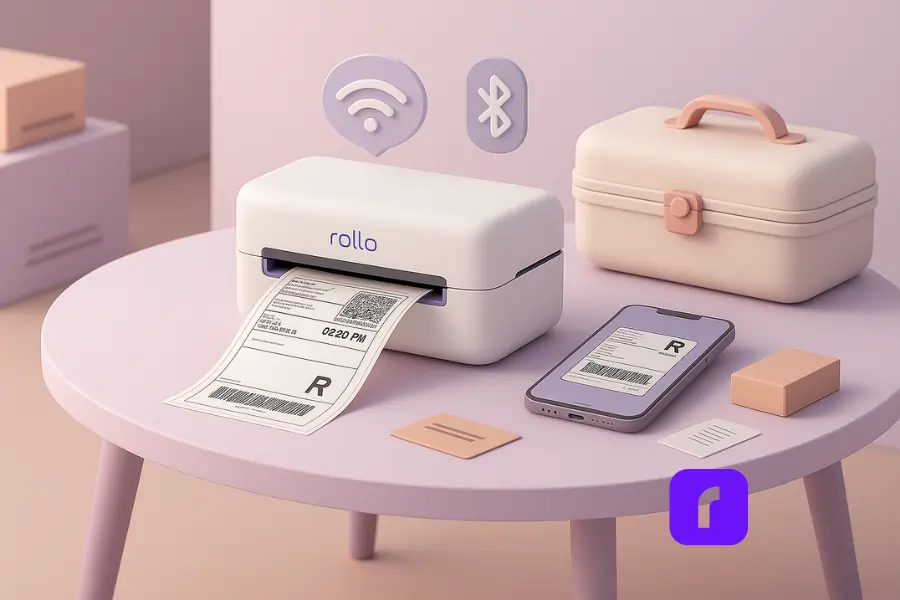
An inkless portable printer is built for motion. It’s compact, small, and ready for mobile printing at pop-ups, warehouses, or client sites. Connect via Bluetooth or Wi-Fi, load a roll, and start go printing in seconds. That flexibility keeps orders moving when your day isn’t tied to a desk.
If you sell at markets, do on-site service, or split time between home and office, a wireless portable unit gives you real freedom. The best models handle rough tables, busy aisles, and quick moves between rooms. You can print a return label, a bin tag, or a pick ticket where it’s needed—right now.
Wireless Connections that Just Work
Setup is simple. Use the app, pair over bluetooth, and print from phone, ios, or android. That smooth bluetooth connectivity means fewer wires and faster starts. If you prefer Wi-Fi, great—most support that too. Either way, the experience stays easy to use, even for a new hire on day one.
Battery life matters when you’re roaming. Look for specs that match your pace:
- 🔋 Dozens of labels per charge
- ⚡ Quick top-ups between sessions
- 💤 Smart sleep modes to conserve power
- 💼 Rugged shell built for travel and storage
In short, a mobile printer meets your real day: short windows, quick moves, endless list.
Reason 3 — Secure Speed & Productivity
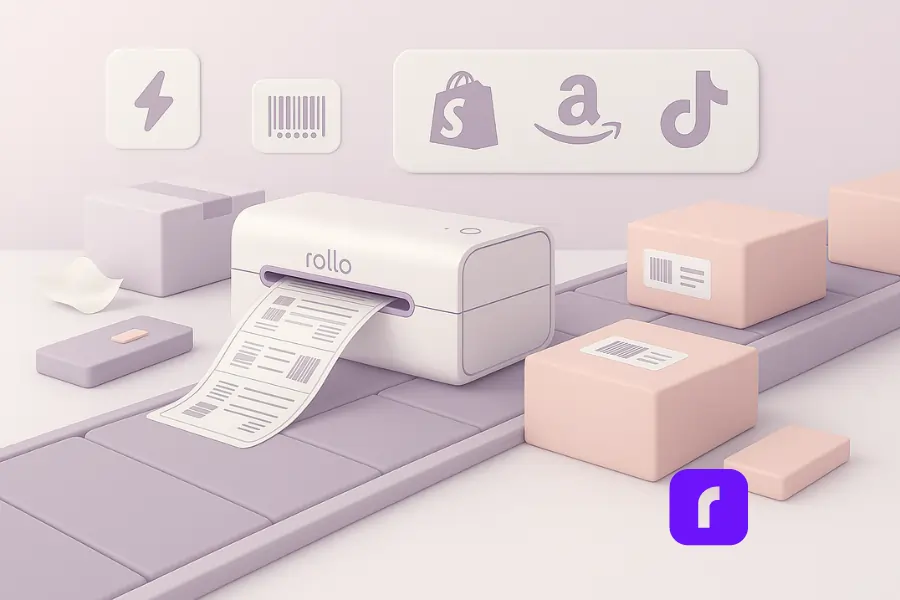
Thermal printing technology is fast. A quality thermal printer pushes out label after label with near-zero warm-up and no ink purges. That means more orders packed per hour, tighter pick-pack flow, and fewer stops. Fast printing improves cash flow because shipments leave sooner and customers get tracking faster.
Labels are the heartbeat of a smooth operation. With a printer that fires instantly, your packer’s rhythm doesn’t break:
- ⚡ No waiting for warm-up or cleaning cycles
- 🧾 No wasted test pages
- 👆 Just tap “Print,” peel, stick, done
- 📦 Extra cartons packed per shift
That simple rhythm compounds into real productivity gains.
Crisp Labels That Always Scan
Print quality stays sharp too. Thermal heads lay down crisp text and barcodes that scan cleanly. You get high quality black output on standard carrier formats, which is exactly what scanners want. Need full-page documents? Keep a secondary for 8.5 x 11 or a4 paper—but make labels thermal so your primary flow stays fast.
Rollo Ship helps here as well. Pull orders from Shopify, Amazon, or Etsy, then batch label jobs. Map a wireless printer once, and the next run is two clicks. Less bouncing between screens. Less manual copy-paste. More boxes out the door. When the queue is heavy, that workflow is gold.
Productivity isn’t just speed; it’s momentum. Thermal output gives you both.
Rollo Wireless Label Printer
Inkless 4×6 labels in about a second
Direct thermal at 203 dpi with no ink or toner, ever. Prints over Wi-Fi from Mac, Windows, Chromebook, iPhone, iPad, and Android, and takes any direct thermal label 1.57 to 4.1 inches wide.

Reason 4 — Secure Sustainability & Low Maintenance
Inkless printers create less waste. No plastic cartridges. Fewer failed heads. Lower power draw. With the right thermal paper, prints are durable enough for shipping, and there’s almost nothing to maintain beyond an occasional wipe. Fewer parts to toss and fewer service calls save money and reduce headaches.
In the U.S. alone, more than 375 million printer cartridges are discarded every year — and 70% end up in landfills, where they can take centuries to decompose (Planet Green Recycle, 2024). Thermal printing cuts that cycle entirely by removing the need for ink or toner cartridges.
“Low upkeep” isn’t marketing fluff—it’s the design. With thermal printing, you get true low maintenance:
- 🚫 No clogged inkjets
- 🛠️ No cleaning cycles that waste ink and time
- 🔄 Just swap paper rolls
- 🧼 Wipe the head, close the lid—done
That’s the whole schedule. Simple, reliable, built to keep moving.
Greener Labels, Happier Customers
Sustainability wins matter to customers too. Rollo’s labels are FSC-certified and BPA-free, which supports greener choices without sacrificing performance. If your brand leans color for marketing inserts, you can still use a separate device for photos and full-page graphics, while keeping labels lean and waste-free.
Want to see how creatives and small businesses are already using inkless printing to brand smarter? Check out our guide on inkless sticker printers for easy branding.
Thermal’s technology also sips power. A portable thermal unit draws far less energy than a desktop inkjet that constantly heats, purges, and primes. Over time, lower energy plus longer device life equals quiet savings. It’s not flashy, but it’s real.
Bottom line: fewer parts, fewer problems, fewer trash bags.
Reason 5 — Secure Ease of Use & Reliability
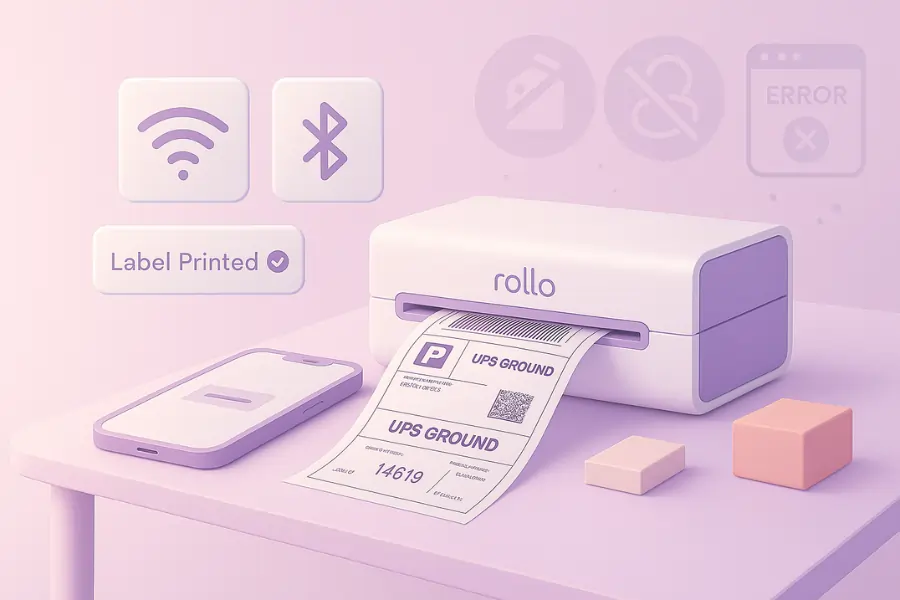
Good tools should disappear into your work. A modern inkless portable unit is easy to use, quick to train, and steady under pressure. Tap to connect, print from your mobile, and move on. Solid build plus simple software equals fewer missed shipments and a better day for your team.
Setup should feel like pairing earbuds—not wiring a server. Most devices are compatible with iOS, Android, Mac, and Windows.
- 📱 Pair via Bluetooth or Wi-Fi
- 🏷️ Test a label
- 💾 Save the preset
That’s it. New staff can print in minutes.
Dependable When It Matters Most
Reliability shows up at crunch time. There’s no “mystery error 37,” no forgotten driver, no “shake the cartridge” ritual. Thermal is plain and predictable. With Rollo, you also get responsive support, helpful guides, and steady updates. The community is active, and the gear earns quality reviews across platforms.
Need to print documents in 8.5 x 11 or letter sizes sometimes? Keep a simple secondary device for that single size. But make your label pipeline thermal, because that’s where the volume lives. One device for the bulk, plus a backup for the rare sheet—clean and simple.
Reliable tools don’t just save money. They save your patience.
What to Look For Before You Buy (Quick Checklist)
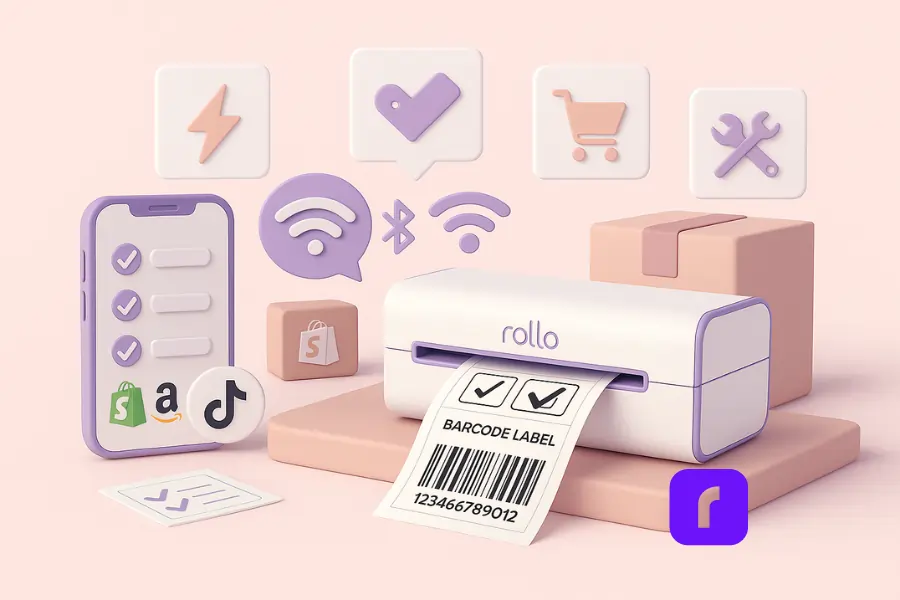
Match the device to your printing needs. Check speed, resolution, connectivity, battery life, supported paper widths, and software integrations. Ensure it’s compatible with your stores and shipping tools. Prefer portable wireless models that print via bluetooth and Wi-Fi for flexibility.
- ⚡ Speed & duty: Steady label output; minimal warm-up.
- 📡 Connectivity: Bluetooth and Wi-Fi; rock-solid pairing.
- 🧾 Media: Your label width, common carriers, roll availability.
- 🛒 Platforms: Shopify/Amazon/Etsy connections; CSV import.
- 🛠️ Durability: Travel-ready shell; lids that lock.
- 🎛️ Ergonomics: Easy loading; clear buttons; readable screen.
If you ship daily, the Rollo Wireless shines: wireless desktop convenience, crisp barcodes, and a streamlined Rollo Ship flow.
How Rollo Ship Turns Your Thermal Printer Into a Shipping Station
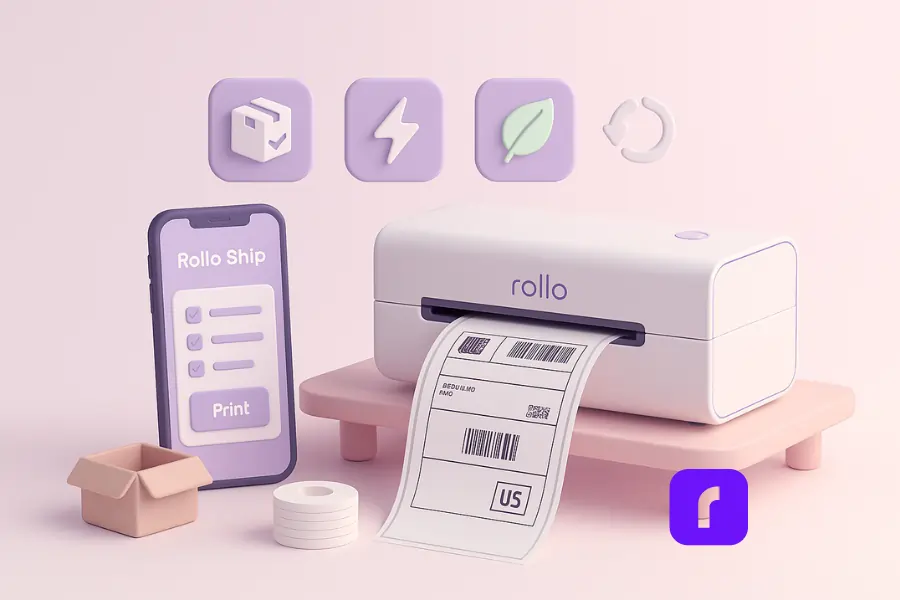
Rollo Ship is free multi-carrier shipping software that handles everything before the label reaches your printer. It pulls in orders from stores like Shopify, Amazon, and eBay, compares USPS and UPS® rates side by side (plus FedEx when you connect your own FedEx account), and sends each paid label straight to your Rollo printer.
A typical run looks like this: open Rollo Ship on the web or the iOS or Android app, select the day’s orders, batch the labels, and print the stack at your pack table. Your first 200 labels are free, so you can test the full order-to-label flow before you commit.
Rollo Ship · Free multi-carrier shipping software
Your printer is ready. Now ship the order.
Import orders, compare carrier rates, and print labels to your thermal printer from one place.
Final Words
You don’t need another gadget. You need fewer interruptions and lower costs. An inkless portable printer checks both boxes: cheaper labels, fewer moving parts, quicker shifts, and clean barcodes that just scan. It’s small, compact, and built for the way you actually sell.
If your queue is growing, give yourself the easy win. Switch your label pipeline to thermal, keep a simple sheet device for the occasional full page, and get back to moving boxes instead of wrestling with ink.
Compare carrier rates free
Pair your thermal printer with Rollo Ship: compare carrier rates on every order, then print the label in seconds.

Who This Guide Is Not For
An inkless label printer is the right tool for a few jobs and the wrong one for others. This guide won’t fit:
- People who need color or photo prints. Thermal printers print black only. An inkjet fits better for photos and full-color inserts.
- Anyone who needs to print away from an outlet. Rollo printers are desktop units that run on AC power, not battery-powered travel printers.
- Documents that must last for years. Direct thermal prints fade with heat, sunlight, and time. Use a laser printer for records and archives.
- Very occasional shippers. If you send a label or two a month, your current printer and some tape will do the job.
Follow Rollo on:
Frequently Asked Questions About Inkless Portable Printers
Do inkless portable printers work with regular copy paper?
No. They use thermal paper that reacts to heat. For full-page packing slips on 8.5 x 11 or a4 paper, keep a simple secondary device and reserve thermal for labels and barcodes.
Can I print in color with an inkless portable printer?
No. Thermal is optimized for crisp black output. It’s perfect for black white labels and barcodes. For photos or full-color inserts, use a separate device when needed.
How long do thermal labels last?
For shipping, thermal labels last long enough to be scanned across the journey. Choose quality media for better heat and light resistance. Rollo’s BPA-free labels are built for reliable scans.
Will an inkless portable printer work from my phone?
Yes. An inkless portable printer can pair via bluetooth or Wi-Fi. Print from ios or android with mobile apps, then keep moving. That’s the promise of mobile printing.
Is an inkless portable printer loud?
Not really. Most inkless portable printers are quiet enough for a home workspace or retail counter. Peel, stick, done.


