
TL;DR: Mercari selling is simple. First, make a free account and take clear photos of what you want to sell. Add a short description, choose a fair price, and pick Mercari’s prepaid shipping option. Mercari emails you a 4 × 6 label, and you have three business days to ship it. You pay fees only after your item sells. Sellers pay a 10% selling fee. It applies to item price plus buyer-paid shipping. Buyers pay a separate 3.6% Buyer Protection fee. There is no separate payment processing fee. Funds release after the buyer confirms and you rate them. Direct deposit is free. Instant Pay costs $3 per cash-out.

Pro tip: print labels with thermal label printers by Rollo to keep barcodes clear and ship faster.
Mercari Selling: At a Glance
- Fees: a flat 10% selling fee on the item price plus buyer-paid shipping. Listing is free.
- Buyer fee: buyers pay a separate 3.6% Buyer Protection fee. There’s no payment processing fee on new or updated listings.
- Shipping deadline: ship within 3 business days of the sale, or the buyer can cancel.
- Labels: use Mercari’s prepaid label or ship on your own with your own label and tracking number.
- Getting paid: funds release after the buyer rates the order. Direct deposit is free; Instant Pay costs $3.
- Printing: Mercari’s 4×6 labels print on a thermal label printer like Rollo, with no ink.
- Rollo Ship: Mercari orders don’t import into Rollo Ship, but it compares carrier rates when you ship on your own.
Jump-to Guide
If you’ve ever scrolled through Mercari and thought, “Could I make some extra cash here?”—the answer is yes, but success depends on more than snapping a photo and tapping List. This guide breaks down mercari selling for side hustlers and growing shops alike, showing you how to keep fees low, ship like a pro, and turn browsers into repeat buyers. By the end, you’ll know every step—from creating a listing to printing a label on a Rollo thermal printer—so you can sell with confidence.
What Is Mercari Selling?
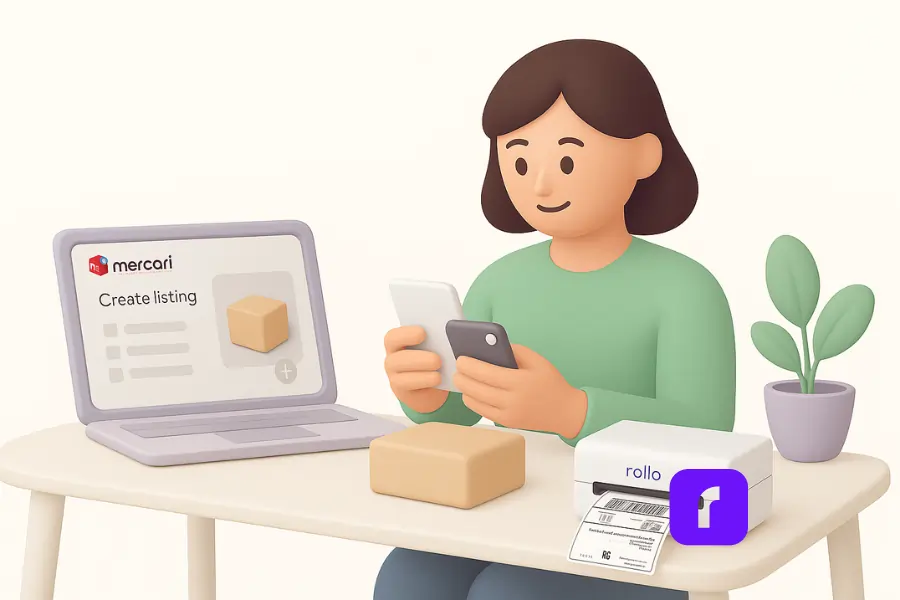
Mercari operates as a popular online marketplace where everyday users, hobby resellers, and SMBs meet millions of potential buyers. The app’s user‑friendly interface makes it easy to snap photos, set an item price, and collect payment once the item sells. Because Mercari couriers the transaction—holding funds until delivery confirmation—buyers feel protected, and sellers gain broader reach than a local yard sale.
Mercari (pronounced “mer-car-ee”) started in Japan and runs a US marketplace you can use in the app or on the web. People list everything from closet clean-outs to small-shop inventory, and Mercari handles payment, buyer protection, and prepaid shipping labels.
For small businesses, Mercari selling is simple. The platform’s straightforward fee structure is a draw: you pay only when your item sells, so listing is essentially free. You also tap a broader audience than on your own site, which uplifts sales potential and helps you test new products without large ad budgets.
Mercari Selling Fees: What Sellers Really Pay
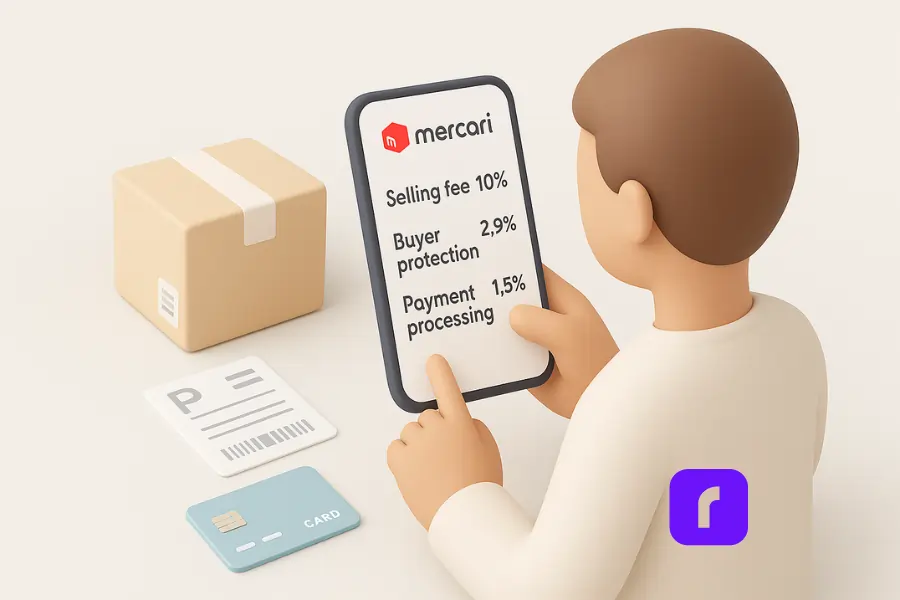
“Free to list” doesn’t mean free Mercari selling. Mercari’s current fee structure (effective January 6, 2025) bundles several charges that chip away at profit if you’re not careful:
- 💰 Selling fee (10 %) – deducted from the combined amount of item price plus shipping if the buyer paid shipping
- 🛡️ Buyer protection fee (3.6 %) – paid by the buyer on item price plus buyer-paid shipping
- 💳 No separate payment processing fee – Mercari dropped it for new and updated listings on January 6, 2025
- ⚡ Service fee for Instant Pay ($3) – if you can’t wait the standard schedule and want funds in minutes
- ⚠️ Underpaid label fee – if your package exceeds the label’s weight or size, Mercari can charge the difference
Direct deposit to your bank account is free and typically arrives within 5 business days. Instant Pay sends up to $600 per month to an eligible debit card, once per day. Each Instant Pay cash-out costs $3.
How to Sell on Mercari (Even for Newbies)

Mercari selling starts with solid groundwork. First, confirm your identity through Mercari’s in‑app prompts; this additional identity verification unlocks higher listing limits and keeps your shop credible. Next, upload a clear profile picture so buyers know there’s a real person behind the store.
Photograph your item in bright light from multiple angles and write a concise description. If the product has a maximum length—think golf club or keyboard—add measurements to dodge buyer surprises. Set a competitive price: check recent sold listings to avoid overpricing and to sell quickly.
List every flaw honestly. Accurate condition notes prevent returns and protect your ratings. If an item sits, Mercari’s Smart Pricing can lower the price automatically toward a minimum you set, so it stays competitive without daily edits.
When you create the listing, you’ll choose shipping:
- Buyer Paid Shipping – Most common; Mercari calculates label cost based on weight.
- Offer Free Shipping – You absorb the cost but often earn more sales because shoppers love “free.”
- Ship on Your Own – You buy and print your own label. Compare carrier rates in Rollo Ship first, then add the tracking number in Mercari.
After the sale, Mercari emails you a prepaid label. Print it, pack the order securely, and drop it off or schedule a postal service pickup. Mark the order as shipped in‑app so your buyer can track it in real time.
Rollo label printers
Print your Mercari labels in seconds
Mercari emails a prepaid 4×6 label. A Rollo thermal printer prints it with no ink, no resizing and no trimming, and the same printer handles labels from your other marketplaces.
No ink or toner · Prints Mercari’s 4×6 labels · Works with any device
Avoiding Common Mercari Selling Mistakes

A few missteps can turn an easy sale into a headache:
Guessing Package Weight Using a kitchen scale instead of a postal scale seems harmless until a box arrives one ounce over the limit. That can trigger an underpaid-label fee from Mercari. Weigh and measure twice before purchasing the label.
Ignoring Bundle Math Mercari encourages buyers to bundle items, but the system sometimes underestimates a combined amount. Manually confirm the weight to avoid paying out of pocket when you print the label.
Sloppy Labels Inkjet labels smudge and peel, leading to mis‑scans and negative reviews. Thermal labels from Rollo print crisp, scannable barcodes, so packages move through sorting machines without mis-scans.
Skirting Prohibited Items Mercari bans certain electronics, cosmetics, and anything recalled. A listing removed for prohibited items can tank your rating and limit future sales.
Rollo Ship · Free multi-carrier shipping app
Shipping on your own? Compare carrier rates first
Mercari orders don’t import into Rollo Ship. When you choose Ship on Your Own, Rollo Ship compares USPS and UPS® rates in one free account, plus FedEx through your own account. Buy the label, print it, then add the tracking number in Mercari.
No monthly subscription · First 200 labels fee-free · U.S. and Canada
Should You Only Sell on Mercari?
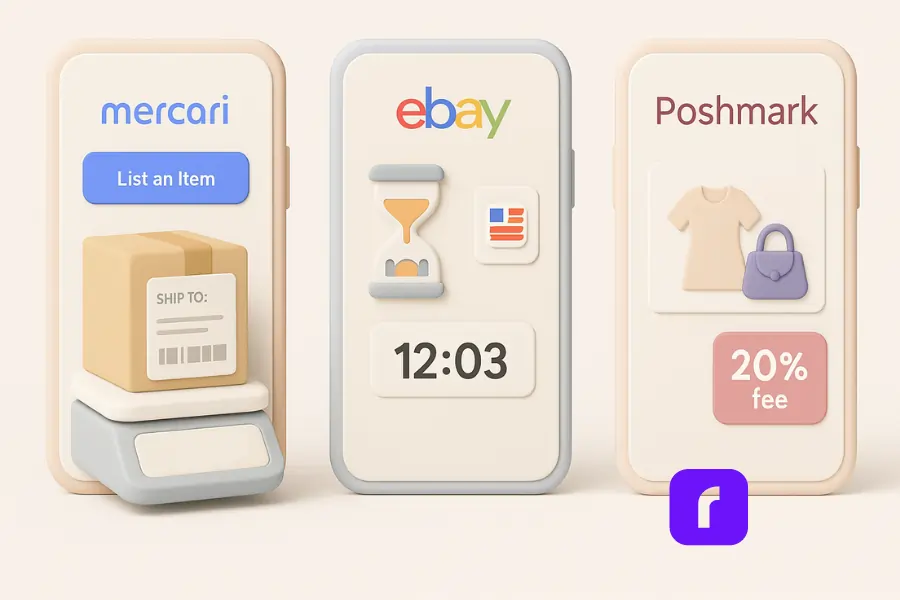
No single platform fits every seller. Compare Mercari with other platforms like eBay and Poshmark:
- 📱 Mercari – lower entry barrier, faster listing flow, and a “ship within 3 business days” expectation.
- 🌍 eBay – auction dynamics and international reach.
- 👗 Poshmark – social selling feed, strong for fashion.
For many SMBs, Mercari’s straightforward fee structure and active mobile audience offer a sweet spot—especially if you prefer packages moving fast rather than managing week‑long auctions.
How Rollo Optimizes Your Mercari Shipping
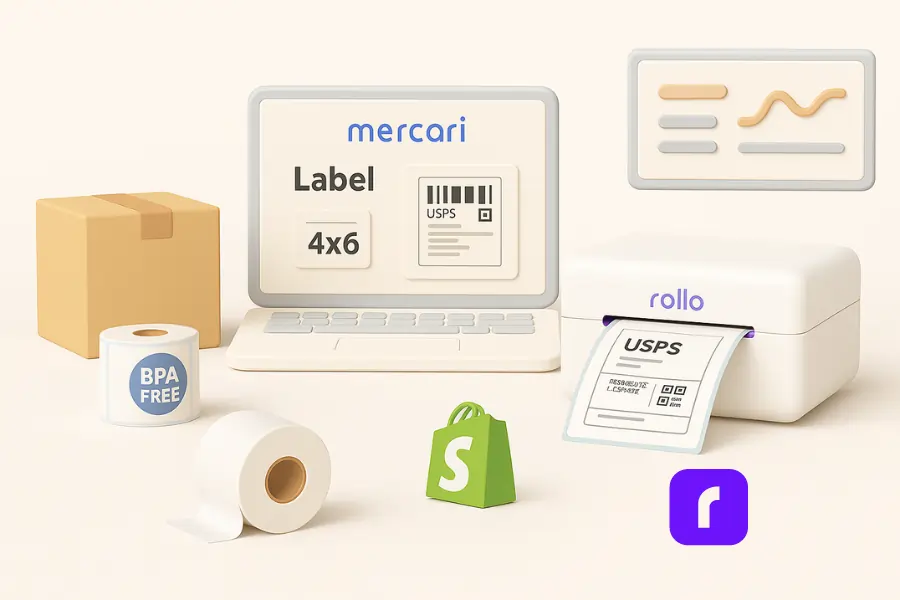
Shipping is where profits are won or lost. Start by locking in discounted rates through Mercari’s prepaid labels; you’ll often beat retail counter prices. Still, shipping costs add up, and mistakes cost more. Here’s how to streamline:
Mercari now supports native 4 × 6 labels. Pair that with a Rollo Wireless Label Printer, and you’ll print perfectly sized stickers in one click—no resizing or wasted paper. Thermal tech means no ink cartridges, trimming long‑term costs for stores that ship daily.
Because Rollo works with both a website and online marketplaces, you can print labels for Mercari, Amazon, or Shopify from the same device, making multitasking a breeze.
Mercari makes the label, and your Rollo printer prints it. Mercari orders don’t import into Rollo Ship. For orders you ship yourself, Rollo Ship compares carrier rates first.
Finally, Rollo offers BPA‑free labels, aligning with eco‑minded customers without raising your label cost.
Want branded labels? The free Rollo label design app has templates for logos and thank-you labels that add a professional touch to every Mercari package.
How Do You Get More Mercari Sales?
Fast replies, fresh listings, and fair prices drive repeat sales. These habits help any Mercari shop:
- Reply to buyers fast. A quick “I’ll check and reply soon” keeps interest alive.
- Follow up politely. Ask interested shoppers if they have more questions.
- List items regularly. Fresh listings give shoppers more reasons to visit.
- Price from sold listings. Check what similar items actually sold for.
- Use brand and product names. Shoppers search terms like “Coach handbag.”
- Refresh slow listings. Update photos, price, or description on items that sit.
- Watch demand. Notice which categories move fast, like seasonal items, and list more of what’s selling while demand is high.
What Is the 3‑Day Rule on Mercari?
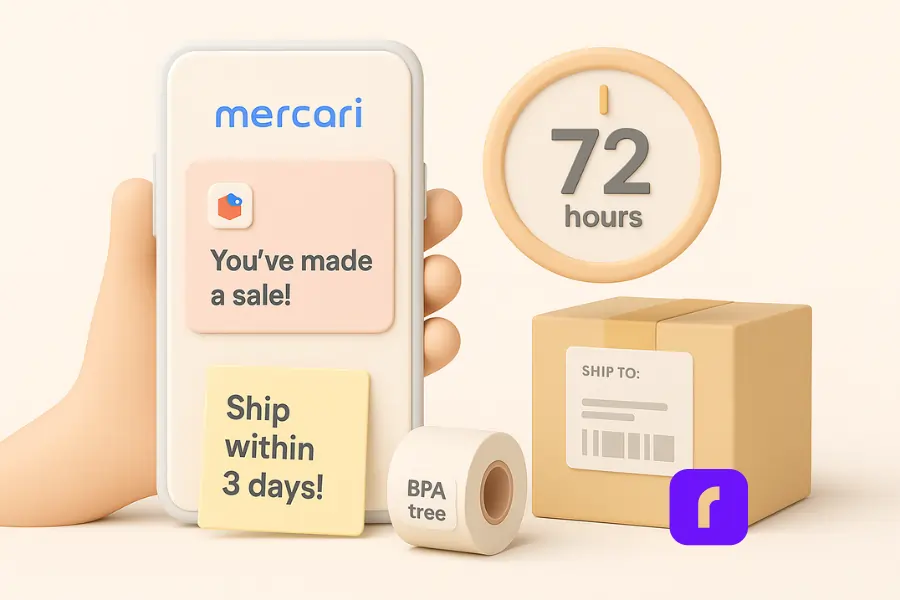
Mercari’s “3‑Day Rule” gives sellers three business days to ship after a sale. Miss the window and the buyer can cancel. Frequent cancelations can bring a fee of 5% of the item price, up to $25. Repeated cancelations can also limit your account. To stay safe, print labels the same day the order comes in.
Final Words
Mercari selling can turn closets—or full inventories—into revenue streams. By mastering the platform’s fees, choosing smart shipping options, and keeping packaging professional, you’ll avoid surprise fees and delight buyers. Technology matters too. A reliable thermal printer like Rollo not only saves money on supplies but also guards your reputation with scannable labels every time.
If you’re serious about growing on Mercari, it’s time to upgrade your toolkit. Start shipping with Rollo today and watch how seamlessly those “Item Shipped” notifications roll out.
Print and ship every Mercari order faster.
Rollo Ship is free multi-carrier shipping software for U.S. and Canadian sellers, and Rollo printers print Mercari’s prepaid 4×6 labels without ink. Compare carrier rates when you ship on your own, then print in one tap.

Who This Guide Is Not For
This guide is for sellers using Mercari’s U.S. marketplace, from closet clean-outs to small shops. It won’t fit every seller:
- Sellers who want marketplace orders to import automatically. Mercari orders don’t import into Rollo Ship. You print Mercari’s label or ship on your own.
- Brands that need their own storefront. If you want your own checkout and customer list, a Shopify or WooCommerce store gives you more control, and Rollo Ship connects to both.
- Bulky or very heavy items. Large items may not fit Mercari’s prepaid label options. Check Mercari’s shipping limits before you list.
- Sellers who only sell locally. If buyers pick up in person, you won’t need labels or a shipping workflow at all.
Follow Rollo on:
Frequently Asked Questions About Mercari Selling
How much does Mercari charge to sell?
Sellers pay a 10% selling fee on item price plus buyer-paid shipping. Buyers pay a separate 3.6% Buyer Protection fee. There is no separate payment processing fee on new or updated listings.
Is selling on Mercari cheaper than selling on eBay?
Often, but it depends on the item. Mercari charges a flat 10% selling fee on the item price plus buyer-paid shipping, with no listing fee. eBay’s fees vary by category and add a per-order charge, so compare the total cost for your specific item and price before choosing.
Is Mercari selling safe for small businesses?
Yes. Mercari releases funds after the buyer confirms and you rate them. Prepaid labels include up to $200 Shipping Protection. Mercari Authenticate covers eligible high‑value items.
What happens if I ship an overweight package on Mercari?
Mercari can charge an underpaid-label fee. It uses the carrier’s measured weight and size. Weigh and measure before you buy the label.
Can I print Mercari labels with a thermal printer?
Absolutely. Mercari’s 4 × 6 label format prints perfectly on Rollo thermal printers, saving you paper, ink, and time.
What is Smart Pricing on Mercari?
Smart Pricing is an optional Mercari setting that lowers your listing price automatically over time, down to a minimum price you choose. It helps slow-moving items stay competitive without manual price drops. You can change or turn it off by editing the listing.
When will I get paid after a sale?
Direct deposit to your bank account is free. It typically arrives within 5 business days. Instant Pay costs $3 per cash-out, up to $600 per month, to an eligible debit card.
How do I price items when selling on Mercari?
Search similar items and check what they actually sold for. Factor in condition, demand, and the 10% selling fee.
Who pays for shipping on Mercari?
Either the buyer or the seller can pay shipping. Many sellers build shipping into the price and offer free shipping.
How do I print Mercari shipping labels with a Rollo printer?
After a sale, Mercari emails your prepaid label. Open it and print it as a 4×6 label on your Rollo printer. Thermal printing needs no ink.
Happy selling—and even happier shipping!


