
TL;DR: Shipping label means a package label that tells USPS, UPS, or FedEx exactly where to deliver your order—showing sender/recipient addresses, a tracking barcode, service type, and package weight/dimensions for accurate routing. Most sellers print a 4″×6″ label from a carrier site or shipping software, or generate one online and print in-store if needed.
When you think of shipping labels, “memorable” probably isn’t the first word that comes to mind. Yet, that little rectangle of paper or sticker plays a huge role in your business. It’s not just about getting a package from point A to point B—it’s a chance to make a lasting impression on your customers. A clean, well-designed shipping label tells them you’re professional, detail-oriented, and committed to delivering a great experience.
But let’s face it, creating a standout shipping label isn’t always easy. Maybe you’ve dealt with smudged barcodes that won’t scan or struggled to align labels on your home label maker. Or perhaps you’ve wondered if your labels could do more than just display addresses and tracking numbers.
Good news—they can. In this guide, we’ll walk you through everything you need to know to design labels for shipping that are both functional and memorable. We’ll cover tools, tips, and creative ideas, plus how Rollo can make the whole process simpler. Let’s dive in!
In This Guide
What Is a Shipping Label and Why It Matters?
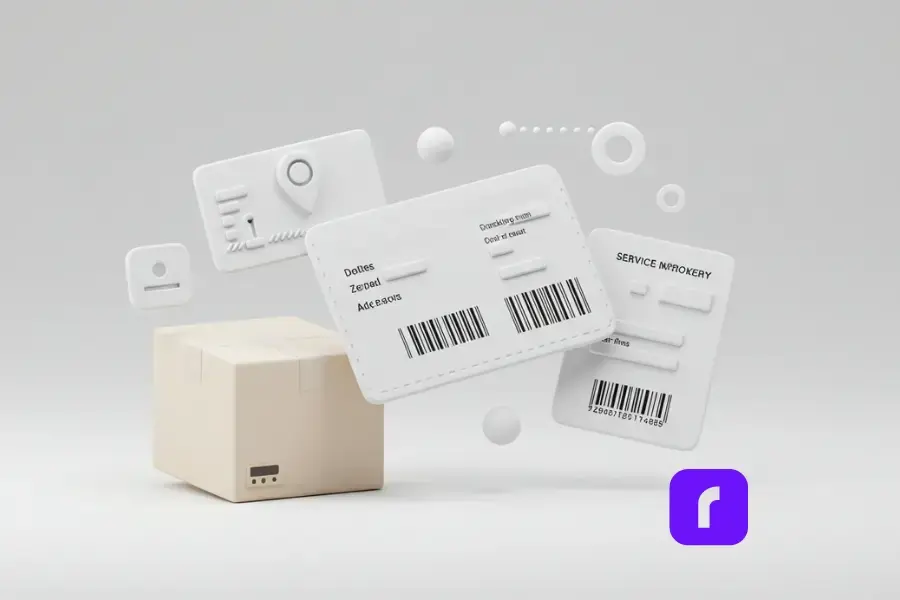
At its core, a shipping label is a roadmap for your package. It tells carriers like USPS, UPS, or FedEx where your package is going, how big it is, and what service it’s using. But beyond logistics, it’s also a touchpoint for your brand.
Here’s what these labels typically include:
- 📮 Sender and Recipient Details: Names, addresses, and sometimes phone numbers.
- 🔍 Tracking Number: So both you and your customer can follow the package’s journey.
- 🏷️ Barcode: Scanned by carriers to ensure accurate routing.
- ⚖️ Package Weight and Dimensions: Critical for calculating shipping costs.
- ✈️ Service Information: Whether it’s ground, overnight, or international shipping.
Why does this matter? A poorly executed label can lead to delivery delays, lost packages, and frustrated customers. On the flip side, a professional label can enhance trust and build loyalty. It’s a small detail, but one that carries a lot of weight—pun intended.
How to Create Unique Shipping Labels
Use Digital Tools for Efficiency
Gone are the days of handwriting labels or fiddling with Word templates. Today, tools like Rollo’s Label Design App make it easy to create labels that are accurate, stylish, and perfectly formatted. Here’s how:
- 🖌️ Choose a Pre-Designed Template: Don’t reinvent the wheel. Rollo offers templates you can customize with your brand’s colors and logo.
- 💌 Add Personal Touches: Include a thank-you note or QR code for a discount on the customer’s next purchase.
- ⏱️ Save Time with Automation: Rollo’s app integrates with major carriers and e-commerce platforms, letting you generate multiple labels in seconds.
Focus on Branding
Your labels are prime real estate for branding. Think of it as an opportunity to reinforce your business identity.
- 🎨 Logo and Colors: Incorporate your logo and stick to your brand’s color palette.
- 📝 Taglines or Messages: Add a short note like, “Packed with care by [Your Business Name].”
- 🎄 Seasonal Themes: A holiday-themed label can add a festive touch.
Simplify Returns with Prepaid Labels
A prepaid return label can make life easier for both you and your customers. It shows you’re confident in your product and ready to resolve any issues. Use Rollo’s Label Design App to create return labels effortlessly.
Printing Shipping Labels the Right Way
Choosing the Best Printing Method
When it comes to printing package labels for shipping, not all printers are created equal. For occasional use, a home printer might be your first choice because of its convenience. But it can become costly over time, especially if you’re printing a lot of UPS or FedEx labels and running through ink or toner. If you don’t own a printer, carrier locations like USPS or FedEx can be a reliable option. They allow you to print labels onsite.
However, if your business processes frequent shipments, a thermal printer is the way to go.
Devices like Rollo’s Wireless Label Printer stand out because they don’t require ink or toner. Plus, they deliver crisp, professional labels every time. This type of printer is a smart investment. It’s great for small businesses looking to save time and money while maintaining high-quality output.
Best Practices for Printing
No matter which printer you choose, following some simple best practices can make a big difference. First, always use high-quality paper or labels to ensure your package details remain intact during transit. Proper placement is equally important—stick your labels on smooth, flat surfaces, avoiding seams or edges that could interfere with scanning.
Before committing to a large print run, take the time to print a sample and check for alignment and clarity. These steps might seem small, but they’re essential for ensuring your labels are professional, functional, and ready to get your packages where they need to go.
Optimizing Labels for Cost and Efficiency
Save Money on Shipping
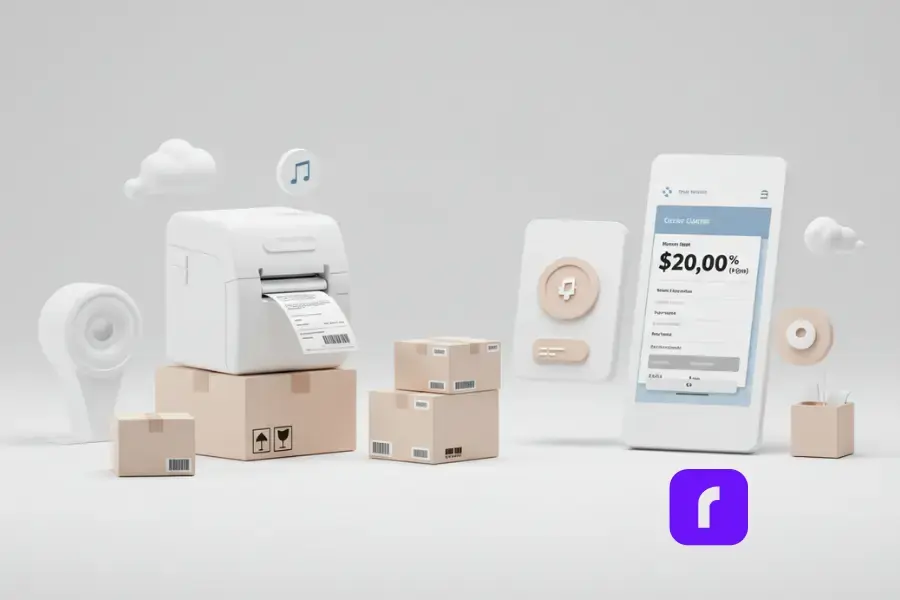
Compare rates across carriers to find the best deal. Tools like Rollo Ship let you see options from USPS, UPS, and FedEx all in one place. But not all shipping software works the same way—or saves you the same amount. Learn what really matters when choosing a platform in The Truth About E-Commerce Shipping Software.
Bonus: you can often access discounted rates through the platform.
Batch Printing for High-Volume Orders
If you’re processing multiple orders, batch printing can save you hours. With Rollo’s tools, you can generate and print labels for all your orders at once, streamlining your workflow.
Advanced Features for Modern Labels
Leverage Barcodes and QR Codes
Barcodes are essential for tracking, but QR codes can take things up a notch. Use them to:
- 🔄 Provide Return Instructions: Make it easy for customers to return items with clear steps.
- 🎁 Link to a Special Promotion: Offer discounts or exclusive deals through a QR code.
- 📱 Share Your Social Media Handles: Connect with customers and boost engagement by including your social links.
Go Green with Sustainable Labels
Eco-conscious customers will appreciate your efforts to reduce waste. Look for biodegradable labels and recyclable materials. Rollo supports eco-friendly practices, helping you stay green without compromising quality.
Special Considerations for International Shipping
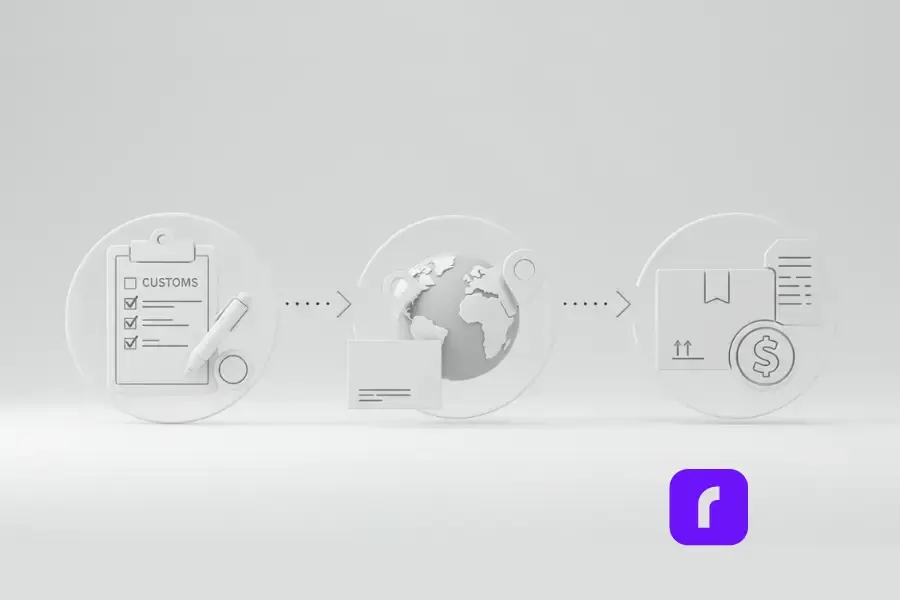
Shipping internationally? Here are a few extra steps to keep in mind:
- 📝 Fill Out Customs Forms Accurately: Include details like product descriptions and HS codes.
- 📍 Format Addresses Correctly: Double-check local address standards to avoid delays.
- 💰 Be Transparent About Costs: Clearly state any duties or taxes the recipient may need to pay.
Final Words
Package labels might seem like a small detail in the grand scheme of running a business, but as we’ve explored, they’re so much more than that. A well-designed label is your secret weapon for building trust, enhancing your brand, and ensuring smooth deliveries. By paying attention to design, branding, and functionality, you can turn every package into a memorable experience for your customers.
From leveraging tools like Rollo’s Label Design App to exploring cost-effective printing with Rollo’s Wireless Label Printer, the process doesn’t have to be complicated. These solutions are here to save you time, reduce stress, and help you stand out in a crowded marketplace. And let’s not forget the little extras—QR codes, seasonal designs, and eco-friendly materials—that can set your business apart.
So, what’s next? Start applying these tips to your shipping process today. Whether it’s improving your label design, streamlining your workflow, or stepping up your branding game, Rollo has the tools to help you succeed. Your next memorable shipment label is just a few clicks away. Ready to create labels that deliver more than just packages? Let’s make it happen!
Follow Rollo on:
Frequently Asked Questions About Shipping Labels
📌 Q: Can I reuse a shipping label?
💭 A: No, you cannot reuse shipping labels. Each label contains a unique tracking number and barcode that major carriers (USPS, FedEx, and UPS) use to process your package. Attempting to reuse a label could result in delivery issues and may violate carrier policies. To save money on shipping costs, consider using shipping software that offers discounted shipping rates.
📌 Q: What happens if a shipping label gets damaged?
💭 A: If your shipping label becomes damaged, you should immediately print a new one to ensure proper delivery and tracking notifications. Most online tools and shipping platforms allow you to simply select and reprint labels at no additional cost. For security, cover the damaged label with clear tape or remove it entirely before applying the new one.
📌 Q: How long is a shipping label valid?
💭 A: Label validity varies by carrier:
USPS labels typically expire after 7-28 days
FedEx labels usually remain valid for 2 days
UPS labels generally expire after 7 days For international shipments, customs forms may have different expiration periods. Check with your shipping platform or carrier for specific details.
📌 Q: Can I track a package without the original label?
💭 A: Yes. You can track your shipment using:
The tracking number from your email confirmation
Your order details in your shipping software
The carrier’s online tools using your account information Most shipping platforms automatically generate and store tracking information for easy reference.
📌 Q: What size should shipping labels be?
💭 A: Standard shipping label sizes are:
4″ x 6″ (most common for USPS, FedEx, and other carriers)
4″ x 4″ (some international shipments)
8.5″ x 11″ (full-page labels with packing slips) Your shipping software should automatically format labels for proper printing.


