
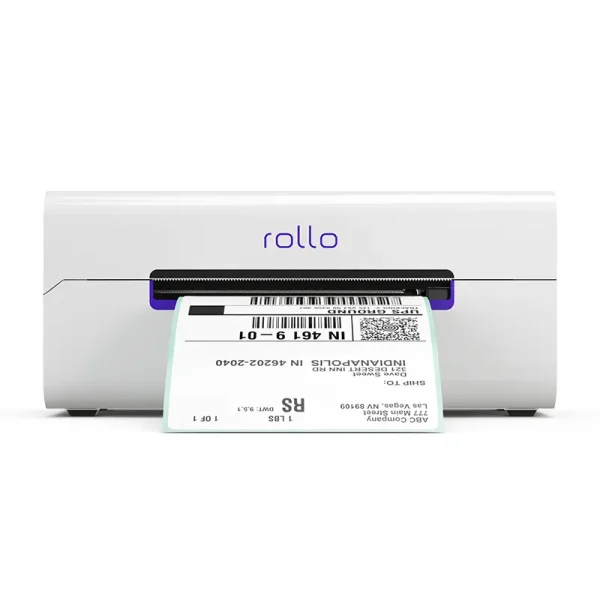





Description
No ink, ever.
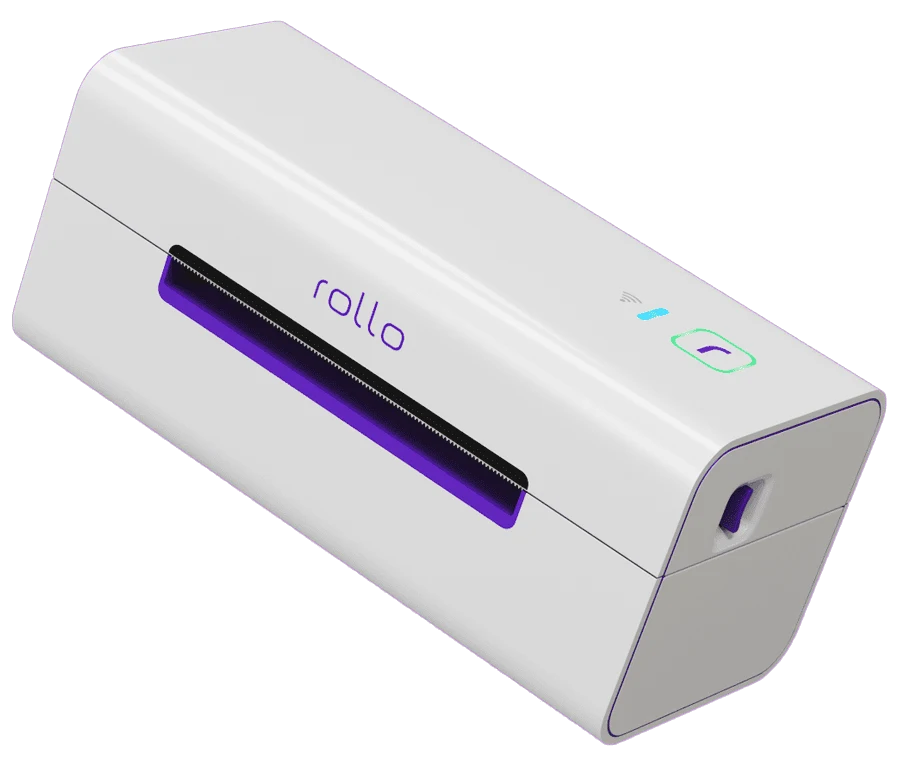
Designed for Speed. Built for Simplicity.
Tiny features, big impact. Rollo handles the details so you don’t have to.
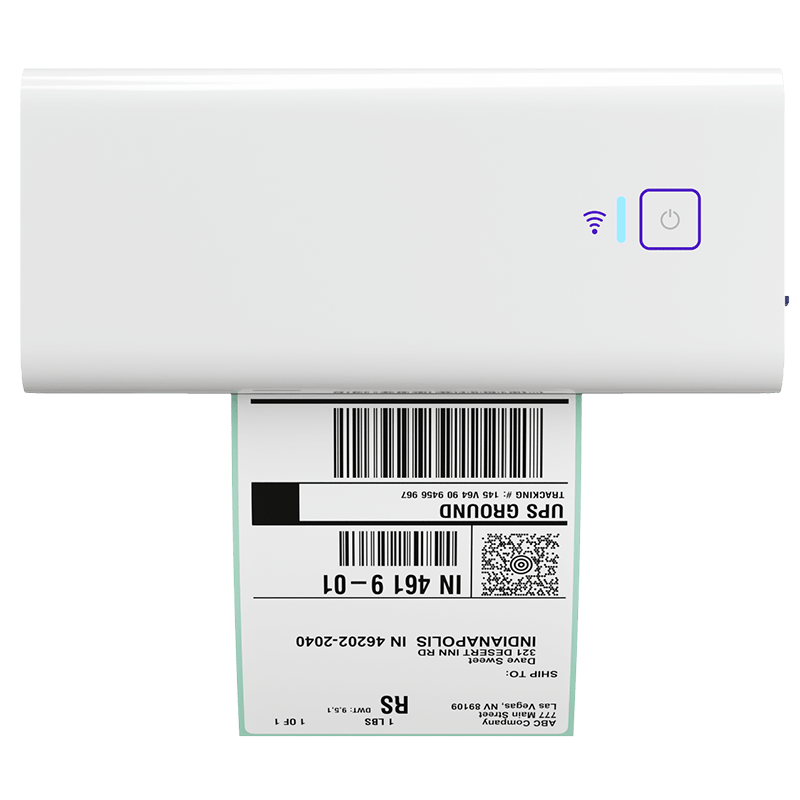
Adjustable Label Stabilizer
Keeps every label aligned for perfect prints.
Automatic Label Identification
No setup needed—just drop in and print
Label Status
Know when you’re good to go—at a glance
WiFi Status
Stay connected with a quick-glance icon.
Easy Tear
Rip and ship without any fuss or scissors
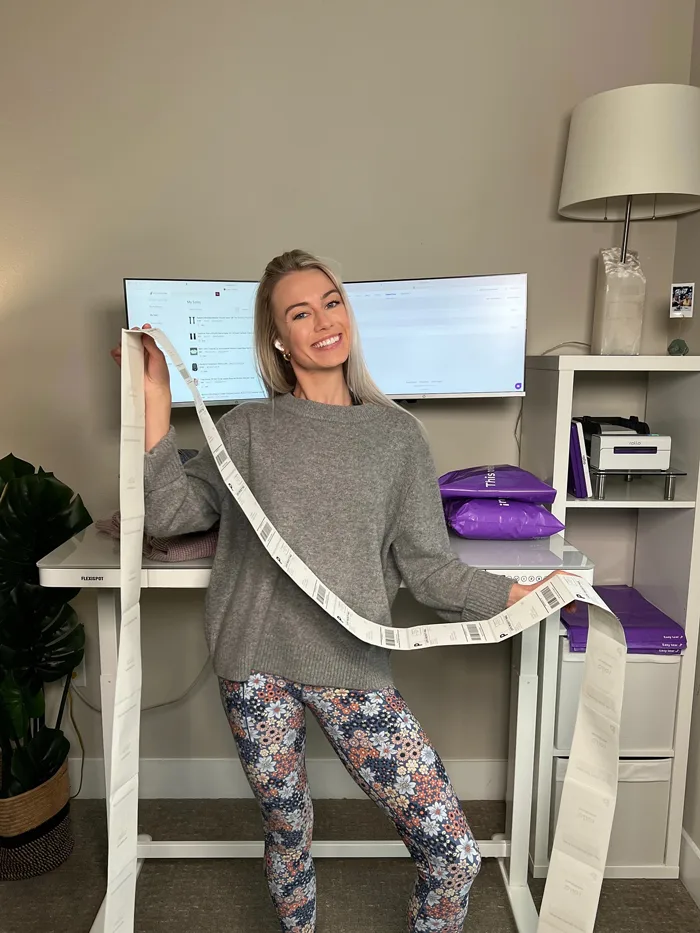
One Shipping Label Per Second
Blazing fast—print and go in under a sec
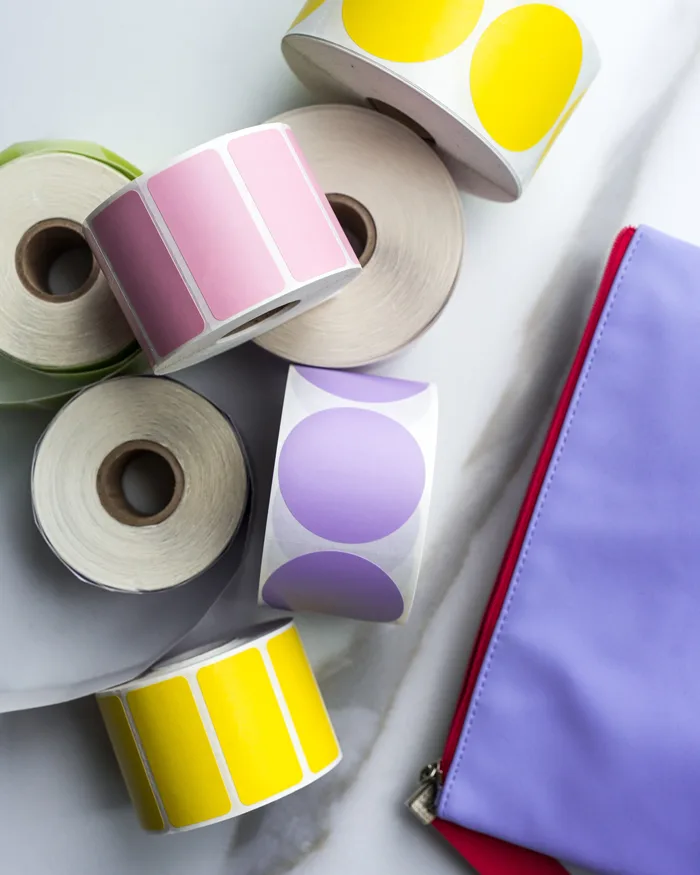
Supports any direct thermal label




Real ways people use Rollo
Designed to print more than 650,000 labels. Zero maintenance.
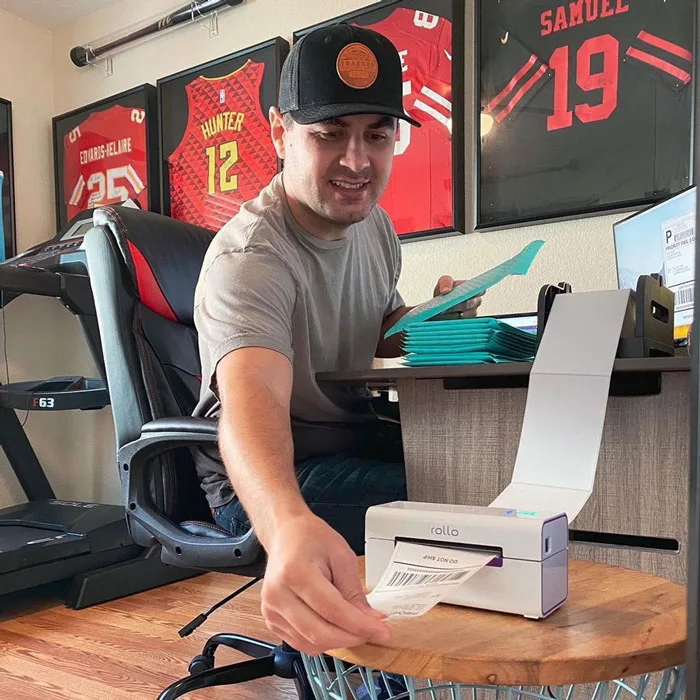
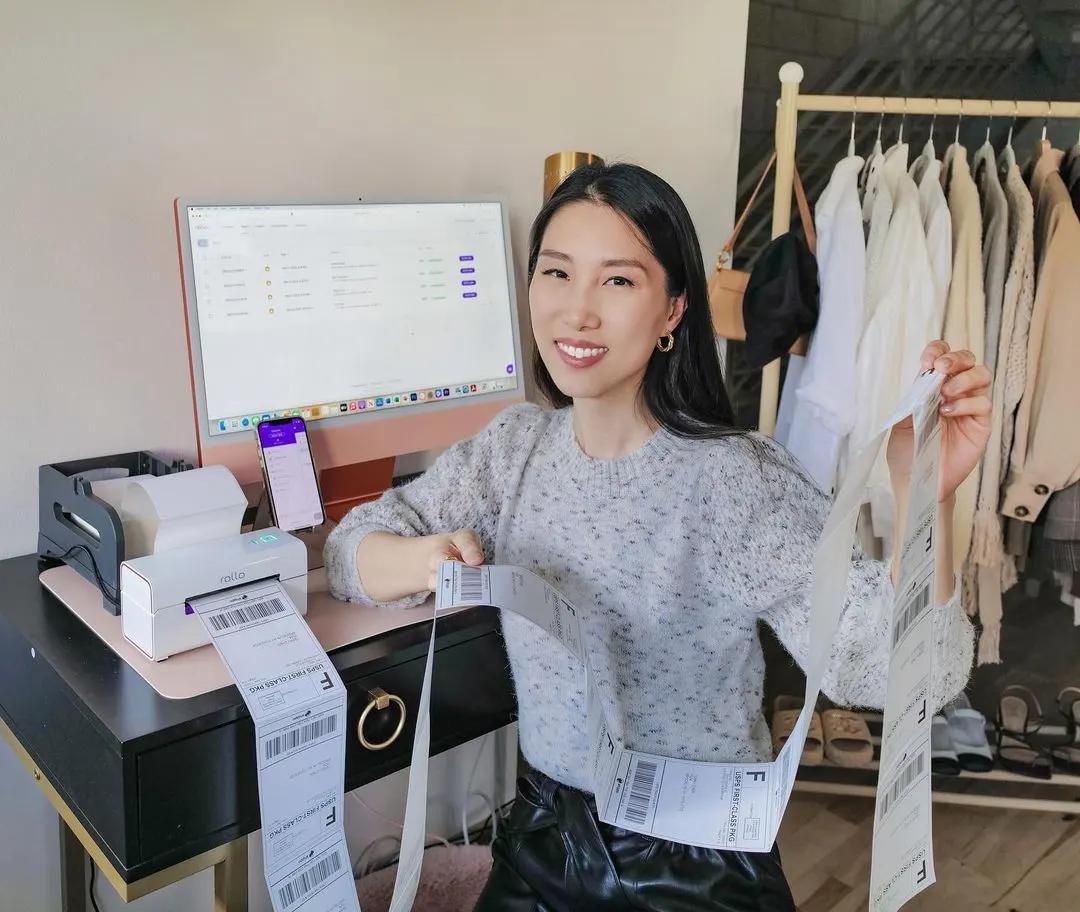
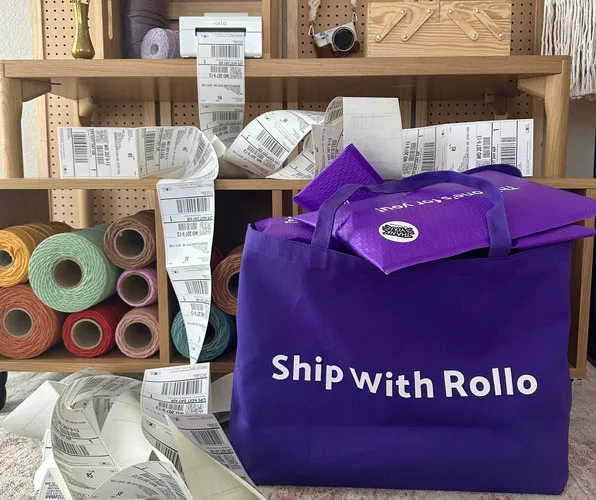
Shipping Labels
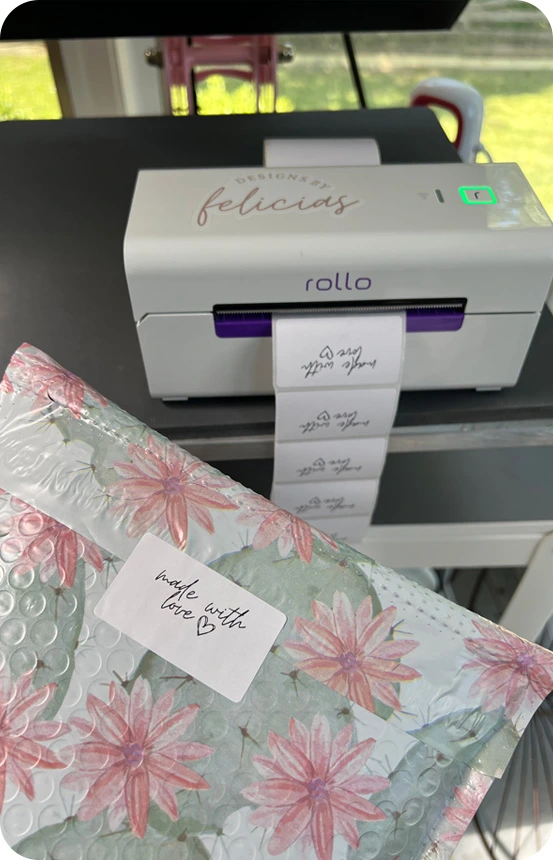
Custom Labels
Barcode Labels

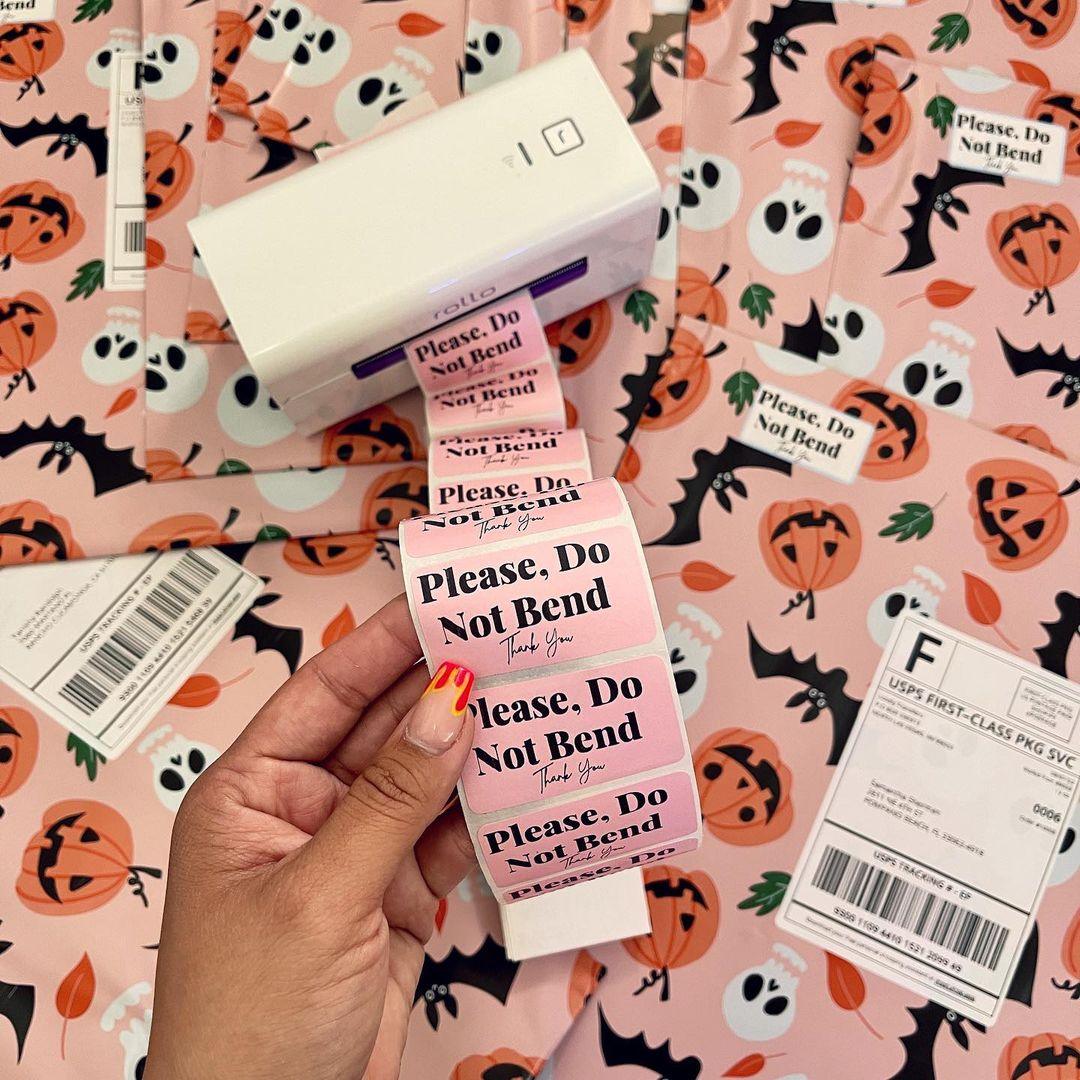
Fragile Labels
See More
What are Rollo customers saying?
Over half a million shippers switched to Rollo
A label printer that lasts
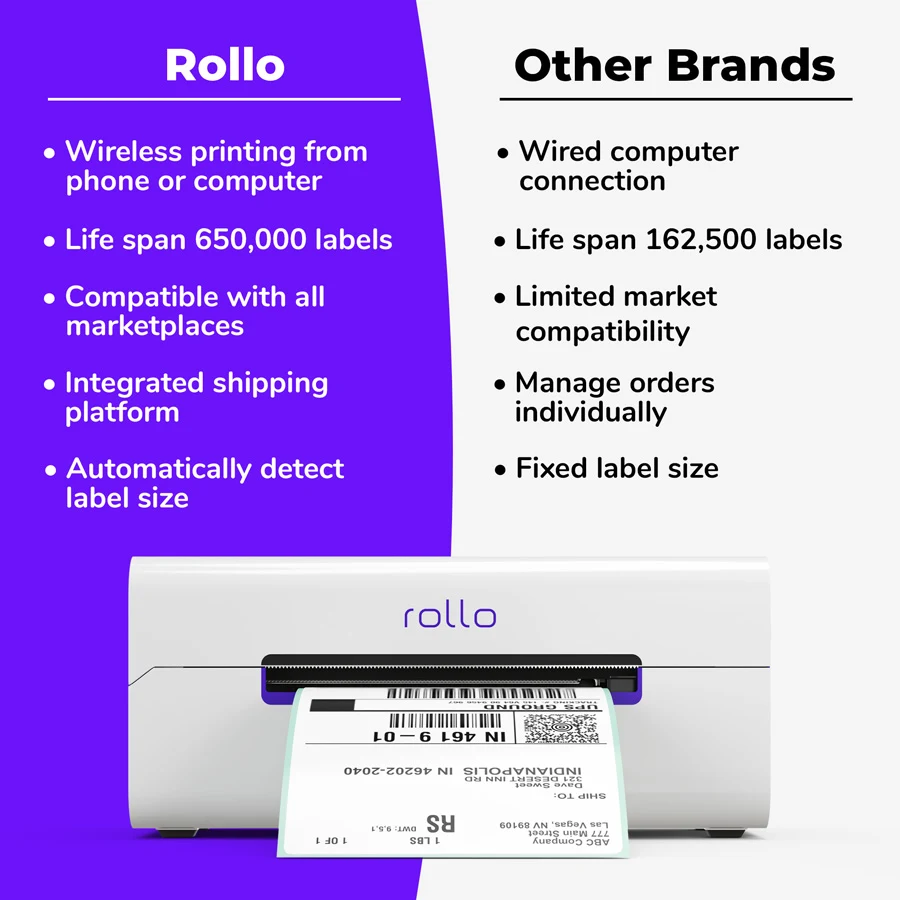
- Sustainable technology: Zero ink. Time, money, and planet-saving.
- 4x the lifespan of other brands: Print over 650K in shipping labels.
- 203 DPI, carrier-approved resolution.
Fast, easy-to-use, high-end
- High speed: 150 mm/s = one 4×6 label per second.
- WiFi and AirPrint®-certified so you can print from any device.
- Over-the-air updates.
- No driver setup in minutes.
- Auto label detection.
- AirPrint® Certified (Apple Corporation)
- Wi-Fi-Certified (Wi-Fi Alliance, WFA110800)
- FCC ID: 2AWBKWFM1MW
- IC: 26068-WFM1MW
- U.S. Patent No. D946651
Label Freedom
- Any label size: 4×6, 3×2, 3×1, 2.25×1.25, 2×1, 4 or 2 inches.
- Any direct thermal label.
- No manual cropping.
- No label adjustment.
- Easy tear.
Universal Connectivity
Print wirelessly. Any app, any device, any OS.

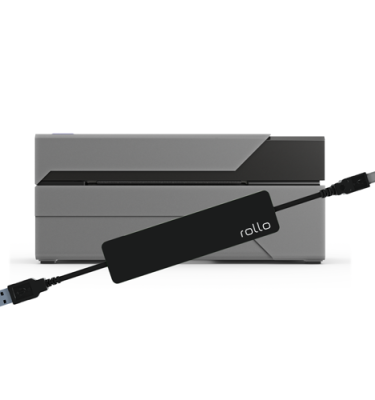
In case of WiFi issues, you can use a USB cable included in the box.
Print via USB from:

Universal Compatibility
Any marketplace or carrier
- Amazon
- Big Cartel
- BigCommerce
- eBay
- Etsy
- Ecwid
- Depop
- Magento (Adobe Commerce)
- Mercari
- PayPal
- Poshmark
- Shift4Shop (3dcart)
- Shopify
- TikTok Shop
- Walmart
- Wix
- WooCommerce
- UPS
- USPS
- FedEx
Versatile Use
- Shipping labels
- Address labels
- Barcode labels
- QR code labels
- Inventory labels
- Tag labels
- Name labels
- Product labels
- Branded labels
- Festive labels
- Invoices labeled for your shipment
- Stickers for daycare/school class
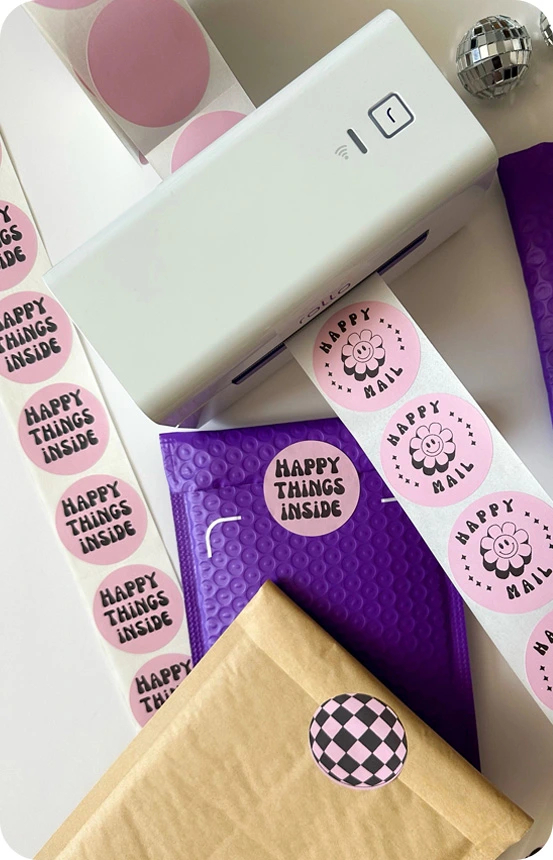
- Thank you notes
- Fragile product labels
Compact Size
The magic of AirPrint®
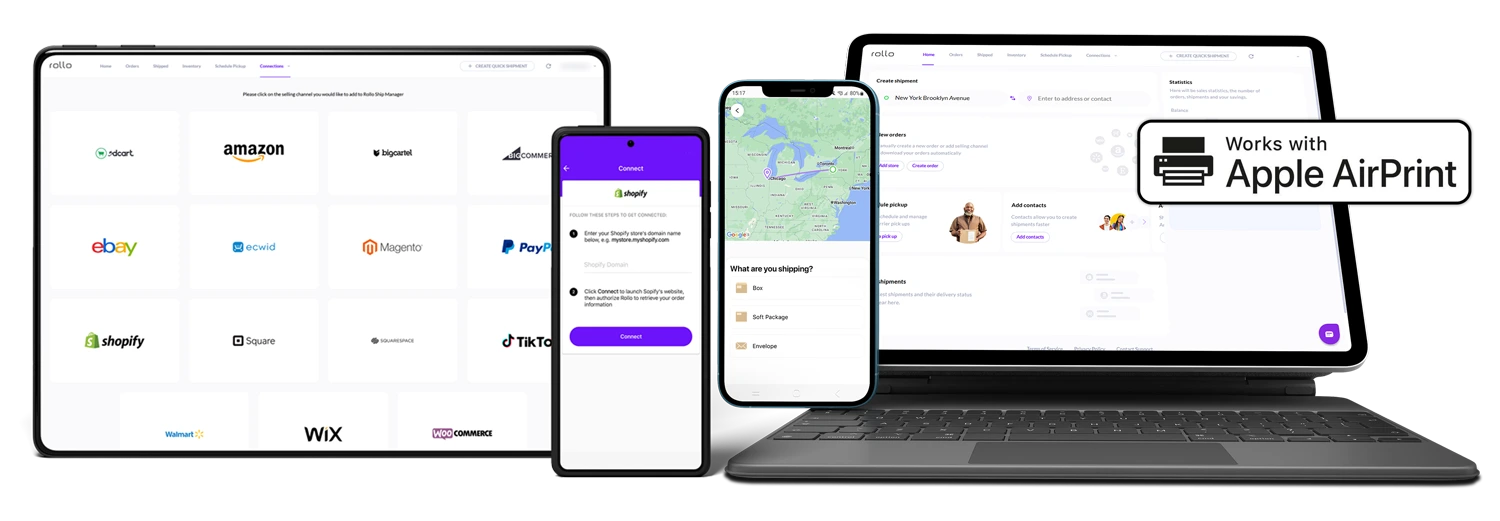
Rollo features Apple’s AirPrint technology. Say goodbye to complicated installations and drivers—just select Rollo in the print dialog from any Apple or non-Apple device. Enjoy hassle-free printing like never before.
Multiple apps and platforms wherever you work

Rollo Ship
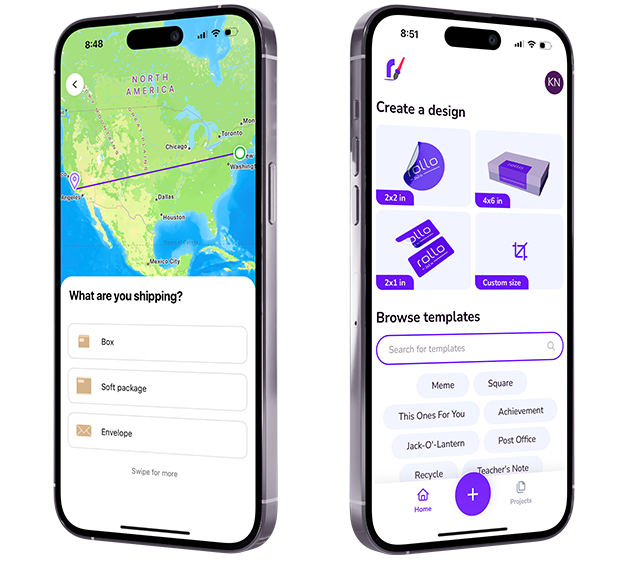
Ship faster with synced orders and real-time discounted rates.

Rollo Design
Design stunning labels and custom templates in a few taps.
A Free Shipping Platform with an App
Big Savings, Zero Hassle
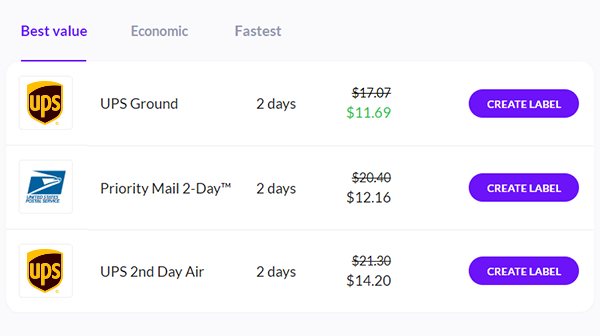
- Up to 90% off shipping
- $0 sign-up, $0 monthly
- Generate 200 shipping labels for free
- Only 5¢ after. Postage paid separately
- One dashboard, Multiple marketplaces & carriers
- Access on any device, anywhere
- AI picks the best rate
Set up your Rollo in a minute
Learn how to connect your printer and start shipping like a pro. Watch the setup video to learn how.
Rollo’s patented design provides the fastest, most reliable, and affordable way to print your labels.
Perks of ordering via the Rollo website
Quality Assurance and Brand Value
When you purchase from the official website, you get a complimentary pack of 500 4×6 inch shipping labels and more.
1-year replacement warranty
30-day full money-back guarantee
Incl. a free, pre-paid return label in the continental US
Free Ground Shipping
In the continental United States
Fast Delivery
Averages 3-4 days
Your one tool for all marketplaces and carriers
including but not limited to



















Rollo Wireless Printer: common questions
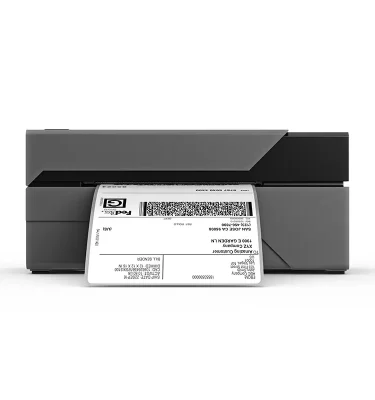
The Rollo Wireless Printer (X1040) prints 4×6 shipping labels from any software, on any device. Pair it with Rollo Ship, the free multi-carrier shipping platform for the US and Canada. Every label you print also earns Rollo Rewards.
What is the best label printer for home use?
What printer do I need to print labels?
What does the Rollo Wireless Printer print?
Does the Rollo Wireless Printer work with any shipping software or marketplace?
Which devices can print to the Rollo Wireless Printer?
Can I print shipping labels from my phone without a computer?
How do I set up the Rollo Wireless Printer on Wi-Fi?
Does the Rollo Wireless Printer need ink or toner?
What labels does the Rollo Wireless Printer use?
What is the best way to print labels at home?
What is included with a new Rollo Wireless Printer, and what is the warranty?
Is there a cheaper way to get a Rollo Wireless Printer?
Where should I buy the Rollo Wireless Printer in Canada?
Do I need Rollo Ship to use the printer, or the printer to use Rollo Ship?
How do I get discounted shipping rates with my Rollo Wireless Printer?
Can I get a Rollo Wireless Printer for free?
Should I choose the Rollo Wireless Printer or the Rollo USB Printer?

versedinc –
By far the best shipping label printer ever. I’ve had the dymo for about a year before purchasing this one and I’m so pleased. The dymo always had some printing difficulties out of nowhere but this doesn’t have those issues and it’s wireless. I hope they set up a referral program because I would love to refer people here.
Garry Takha –
great printer
krisamick –
This will pay for itelf in no time now that I work from home. I just wish it came in black to match the label holder, and the rest of my desk stuff. 🥳 📦 🎉
Maria Cruz –
Is very fast and its installation was quite simple. I hope to get ahead with my small business and expedite shipping. About the quality I will tell you later when I have the opportunity to use it
Heather D. –
The best decision ever. I LOVE this printer. Very easy to set up
Carmen C. –
Works perfect!
Stuart G. –
Amazing, simple, and effective! Great work Rollo team.
Jesus Luna –
Very easy to install and works great.
ANGELA STAEHLING –
Love this printer! Wish I would have gotten it sooner!!
Anonymous –
Thing rocks & has made packaging significantly faster
Dan Kline –
Love this printer!!
Kerry D. –
Super easy to set up and use.
Daniel N. –
Upgraded to the wireless model and it’s perfect just with no cord! Awesome.
Troy –
I absolutely love the fact that I had an issue with this printer and was trying to find an answer and within 2 minutes I had a live person on the phone who was fully capable of solving the issue. Rollo for the win. Brother is having supply issues with their label printers so I tried Rollo out and they won my business with old school customer service. I called up brother the same week to try and problem solve something with one of their printers and they couldn’t of cared less.
Anonymous –
Extremely Easy to setup and use!! Love it!!!
Sandra Kelley –
Love the printer, quick and easy setup and prints perfect labels. Don’t like the printing of updates on labels tho bc it’s wasteful. But haven’t checked if I can turn that off in settings. Hoping I can.
M.G. Brown –
Easy set up. Great!
Anonymous –
Love it!
Angela –
bought as a gift for my boyfriend’s birthday. It’s great!
LUZ C. –
Very happy with my purchase
Jacquelyn R. –
Love it!! Best thing ever invented!
Anonymous –
Super easy to set up. I had the older version but upgraded to the wireless one and so glad I did.
Kathleen Smith –
The printing is not as dark as I was used to with our laser paper printer, but as long as the Ebay parcels get to their destination, it is ok for a Thermal printer.
Jesse Marquez –
Super fast printing
Dana –
This label printer is so convenient. I went from printing labels on computer paper, cutting them out, and taping around the edges to just peeling and sticking. I love that it’s AirPrint compatible. I wish I had bought it sooner.
Christopher Dean –
Works perfectly for our needs
Anonymous –
This has made label printing a breeze! Whenever I am ready to purchase a shipping label, I turn it on, select “print” on my tablet, and the label is sent to the Rollo to be printed.
ANDRIAS –
Very easy to use and convenience
Edward –
This is a great printer. Easy to set up and the ship manager makes printing and shipping packages a breeze.
Kathi –
I finally invested into the Rollo Wireless Printer and wishing I had done it sooner! It’s saving me time and I love how easy it is to use!! Best purchase ever for my business!
Ettamarie –
It works great!!!
Anonymous –
No issues setting up and connected to all computers/laptops fine.
Anonymous –
Used it for the first time today it works flawlessly just as the other products do. Thank you.
Kerissa T. –
This printer was so easy to set up and use. Took me a minute to get the labels aligned right, but I would recommend this to anyone!
Deborah –
There were no directions included to show how to setup. Mine kept spitting out continuous labels and it took me a bit of research on how to correct the problem.
Patrick G. –
Works great
Felix Ramos –
I love this printer, I have been printing hundreds of labels for items and it works flawlessly. Easy to setup and use right away.
Richard W. –
Don’t know why I waited so long to purchase!
Joanne –
Love how fast and economical this printer is.
Roxana T. –
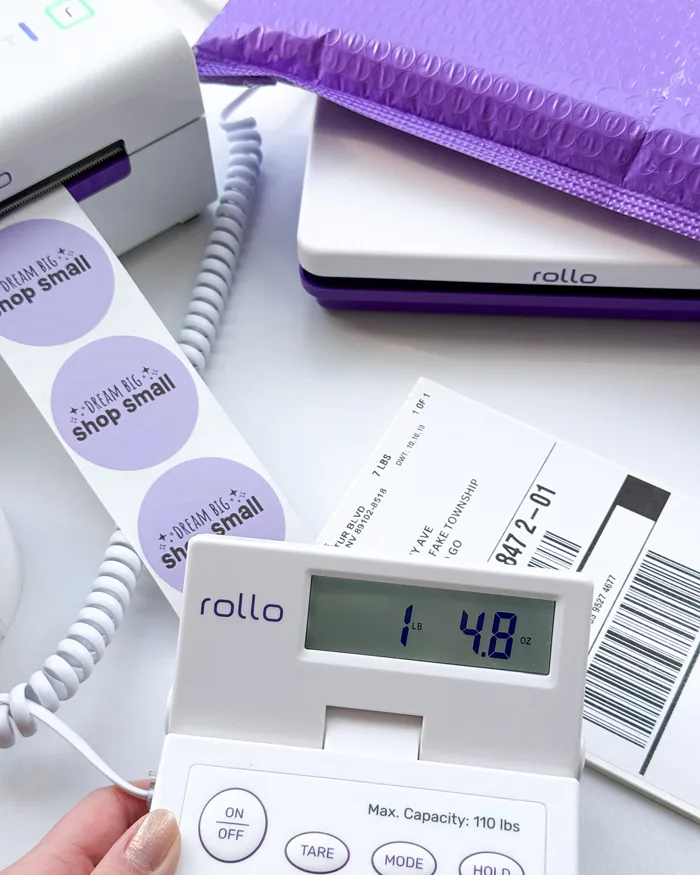
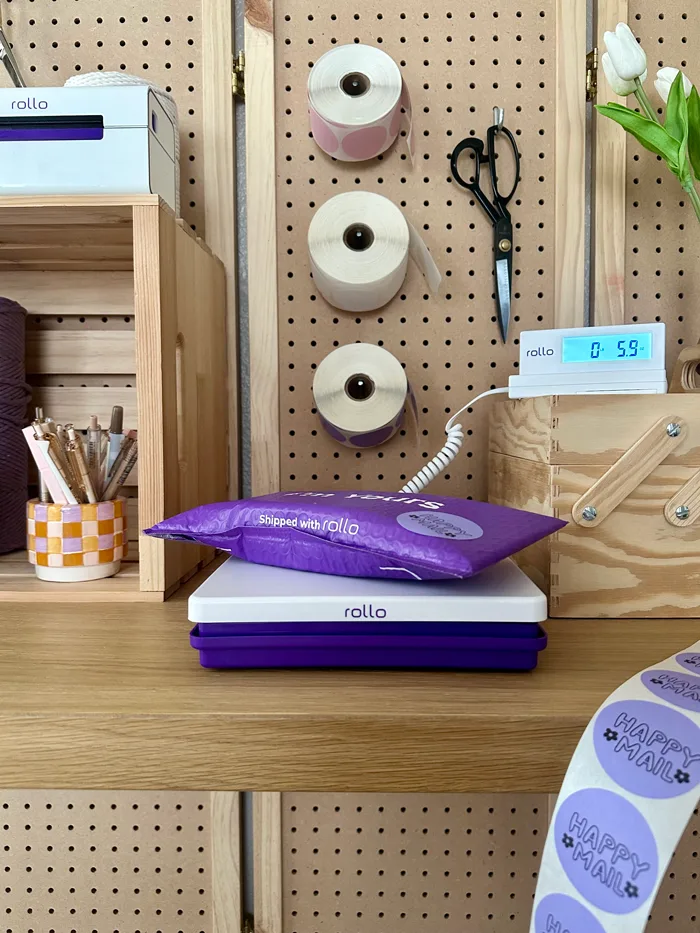
I’ve had it for about a week and I’m in love! What a total game changer. I debated this one or the basic one and I’m glad I went with this one. It’s what works for my current needs as a reseller. I’m able to print from my phone as soon as I get a sale, in a completely different room!! So cool! Then I come to the printer later and sort through the labels I’ve printed. Makes it so easy. The color is also gorgeous and aesthetically pleasing. It’s white and blends in with the white side drawer table I have it on. It’s small and doesn’t take up much room at all. It also matches with the Rollo scale! I have them side by side. Totally recommend 🙂
Enrico Cirillo –
nice & easy
Chris Mey –
Great so far
Lisa –
Been struggling with an ink printer for labels for far too long and finally made the change!
Brian Sandoval –
Great Product.
Anonymous –
It was very easy to set up and so far it works very well. It was kind of expensive so ‘m expecting it to last me a long time.
Padraic –
Super easy to set up and use, makes label printing an absolute breeze. Connects easily to ShipStation and Stamps.com
Jerre Fisher –
Wish I had bought this years ago!
Julio Cesar Martinez –
Amazing printer, absolutely love it
Kathi Riddle –
So easy to set up and use! I love it! I kicked my Dymo printer to the curb!
Paul S. –
What a great product. I can’t recommend this printer enough if you print out labels for a living. The printer is easy to setup, easy to load and easy to print. The rollo support team is even better.
ELIAS –
Amazing, very fast and efficient and small. Perfect
Dawn M. –
Best, Easiest Thermal printer!!! Best decision I have made in thermal printers. Slightly more expensive than other printers but the easy setup and printing is ABSOLUTELY worth the price. Love, love, love it!!
If anybody is looking for a thermal printer for business or personal use, I would highly recommend Rollo.
Cory –
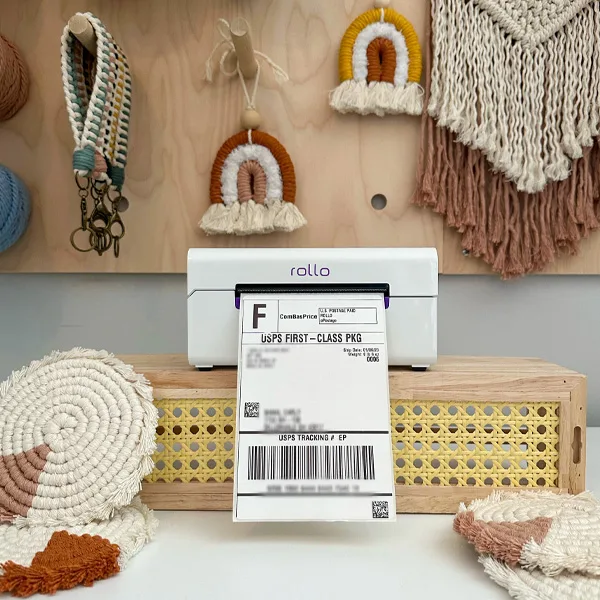
The perfect label printer for my home office. I am always moving with my computer and being able to print labels wireless was a must, and the Rollo Wireless Printer fits that role perfectly.
Robert C. –
Working perfectly
Jane F. –
m not a real techie and was concerned I wouldn’t understand how to set it up-I watched your video and it was super easy! I love my Rollo wireless printer, it has simplified my shipping from my snake reselling business and I know ‘m
Saving money by not buying ink and paper for my printer. Wireless is the way to go!!!!
Janet Berry-Johnson –
I love my rollo printer! It was so easy to set up and use. No more printing, cutting and taping labels. I wish I’d bought it sooner!
Timothy H. –
Awesome wifi printer! Easy setup & works great with apple products
Anonymous –
Works great!
Brian D. –
Works great from phone or computer, I love that there is no ink or toner. Setup was super easy. Computer was a little bit of extra setup but Rollo support did an awesome job walking me through how to setup printing from Windows 11.
Anonymous –
Great printer! Great service!
Jacqueline A. –
I dreaded getting my orders ready for shipping because I would spend 30 minutes or more cutting out shipping labels one by one. I also would spend between $20 – $40 on ink plus $25 on sticker paper every 1-3 months because I was using ink to print my labels. After doing this for 2 years I decided that I needed a change and I invested in the Rollo Wireless printer. My routine has significantly shortened and improved! Setting up my Rollo took me about 5 minutes and the instructions were easy to understand. I now spend under 5 minutes printing my shipping labels from several selling platforms that use for my business with absolutely no issues! Printer is small and easy to carry and store, my work area is a small space and my Rollo takes up almost no space. All I need to do is turn on my Rollo, find my shipping labels, print and done! I can easily do this with my iPhone. Super happy with this purchase and would definitely recommend to anyone that would like to invest in their business and save time while doing so!
Anonymous –
Best purchase I’ve made in a long time. The wifi option is great since we have multiple computers in the shop.
Chris C. –
Love it! I’ve had the wired version for a couple years and loved it but the wireless is a gamechanger for me! It literally took me less than a minute to setup it was so easy!
April W. –
Love it so easy now
Anonymous –
Easiest set-up ever!
Jodi Lord –
Works great !
Cassandra H. –
This is a freaking game changer!!!!! The fact that I can be anywhere in my house and print a label from my phone or laptop has just made my life that much easier.
Melissa A. –
Okay, so the set up was a little tricky, but OMIGOD why did I wait to get this? Why didn’t I buy it years ago??
Robert R. –
Amazing!! Thank you.
Ashley Williams –
Absolutely love it. My old thermal printer was unable to link to my Etsy store so I love how the app is so easy to connect to it! I also love the ability to use the Rollo Design app as well to make special stickers to add to my orders. Wish I had found this first!
Elizabeth –
I don’t know why I waited so long to get one. Makes my shipping so much easier!
Ashley W. –
Love it! Works really well and I like that I can adjust the size inside to the label ‘m using at the time.
matt –
Super easy to use. I wish I would’ve gotten one sooner! Definitely recommend.
Kathy Knapton –
So far so good! Using Ship Station for new business and it was such a quick and easy setup. Love that it’s thermal, worked beautifully first try
Lawrence M. –
Printer was set up in three easy steps! Best investment for your business, just wish that I would have not waited so long to purchase!
Eric D. –
Haven’t used it for very long, but it sure makes my life a whole lot simpler!
thomas –
Only had for one week but so far i love it.
Philip Peake –
I previously had no success configuring a cheaper competitor printer on both Windows and MacOS. The Rollo printer was a night and day difference. No messing around with drivers which don’t work, just turn it on, and use the cellphone app to configure. Worth every penny if only for the frustration free experience.
Wally Squier –
Love the printer. I had purchased another brand much less expensive. Used it one day, I was not happy with print quality. This printer is higher priced. The old saying you get what you pay for is true. Very pleased with Rollo.
Blaine –
I haven’t opened it yet, but would like to be able to purchase an extended warranty
Henry –
Absolutely love this printer. Seamless, effortless integration with eBay and PirateShip. Highly recommended!
Don Liden –
Nice printer. Having trouble using without wifi.
James C. –
This printer prints so clean and fast compared to Dymo. The fact that you can use any label instead of a proprietary label is a game changer and so glad we made this change for our office. Now we have both models Rollo offers and we are very happy with them. Highly recommended to anyone that is sick of all the issues that Dymo printers always have not to mention the poor print quality.
Lisa M. –
Easy setup and works great! I feel freee lol Wish I had bought the wireless sooner.
Janine Goddard –
Love it!!!
Rob G. –
I love this little guy! it is a breeze to setup and use. Much less finicky than a Dymo printer I used to have.
Rachel V. –
After having this for a few days and having used it multiple times I can confidently say I highly recommend.
It is really nicely packaged and super easy to set up. I would say it took about 5 minutes max to set up. It hardly takes up any room on my desk which is awesome. On top of it being super easy to set up, it’s also just super easy to use in general. The cord to plug into the wall is also nice and long so I had many options as to wear I could put the printer. The labels print out so fast and I just love how easy it is to print directly from my phone. Love my rollo so much!
Nate –
I love this Rollo!
Kris P. –
Great product and super fast to setup!!
Nelson –
Printer works flawlessly!
Anonymous –
Wanted to upgrade my 20+ yr old thermal printer and wish I had done it sooner. Worth the wireless.
Jennifer –
I love it. I love it. I love it!
Kenneth M. –
Love it so far. Don’t have to use box tape to tape labels to packages anymore.
Anonymous –
Best business investment so far.
David –
Excellent printer! Easy WiFi setup. Works great! Excellent print quality with the provided labels. Fast printing!
Anonymous –
Best of the best
Everett Trollinger –
Works like a charm
Markus M. –
Fast shipping, super easy setup, was printing shipping labels in record time! Did I say easy setup?!
Charles Palumbo –
Easy to use fast set up works perfectly
Anonymous –
After decades of taping shipping labels to packages, I tried out Rollo…..I’m sorry it took so long!
Anonymous –
Love it! Great quality and makes everything so much quicker and look professional.
Anonymous –
Life changing for operating a ebay store.
Anonymous –
cost $$$
Orrin K. –
Sure saves time!!
Leo –
Excellent and easy to set up!
Tiffani –
Fast, clean print. Works as expected. On the pricey side for what it does. Shipping discounts are similar to pirateship, pennies different on each shipment we tested.
Anna M. –
Easy to set up, prints fast and clearly!
Christine S. –
Setup was so simple. Works great. Love it!
Anonymous –
I love my Rollo! It was easy to set up and after a quick Google about Mac drivers I was up and printing. I should have done this a while ago!
Anonymous –
So easy to use, the labels come out so professional looking. I’ve said goodbye to those laser sheet labels! Only wish I bought it sooner!
Dean Lowery –
Extremely easy to setup and functions as described.
Sandra W. –
I love my new rollo printer because it was easy to set up and is reliable.
Gregg H. –
I could not be happier. The Rollo Wireless Printer makes my life a lot easier!
Cathy B. –
So much easier to print shipping labels with this dedicated printer! Tech support was wonderfully helpful with set up.
Nicole R. –
Love it. No more standing in line at the post office!
Kianna –
I had hard time connecting this printer to my PC and my Mac. Now I have no issue besides connecting to my PC. I love my Rollo so much and it makes my shipping look so much more professional! I love not using ink as well!
TRACY D. –
I had to contact Rollo to assist with connecting my printer to Windows & getting set up to print custom size labels.
Asa B. –
I love my Rollo! Having a hard time just printing all my order labels at once and so I have to do each individual one and select box size etc each time. I feel like it should be simpler to print them all, so I gave it 4 starts for that difficulty. But it’s an amazing printer saving me lots of time otherwise!
John H. –
This is truly a remarkable little printer. So easy to setup/use, so fast and of course, convenient! The decision to purchase a Rollo should be a no-brainer for anyone needing a thermal printer.
bailey w. –
Good stuff!!
Nathaniel Cruz –
A dreamy experience! Such a beautifully simple product!
KURT –
Game changer
Brett –
Worked out of the box
David –
Love it but wish I could figure out how to get rid of the instructions that come on PangoBooks labels
Christina –
Easiest plug and play printer ever! True WiFi capabilities. No need to save as pdf and use a different app to print. Connect to your router and you can print from any device in your home. Love it!!
Kathy White –
Love this printer. Best invested I made for my ebay store.
John S. –
Worth every penny!
Mary B. –
So Far I love it! It’s super fast, easy to set up (I appreciated that the most). Best purchase ever!
Humberto Gonzalez –
The easiest printer to use off my phone no need for usb drives or computers
Brent E. –
Has been nothing less than great! Flawless so far and didn’t realize how much money I can save by printing the receipts my self. Very happy customer thank you guys so much truly a game changer. If I knew how much of an upgrade this was I would have put the funds to it a lot sooner. Could not recommend it enough.
Melissa –
Great quality and easy to use
Alice R. –
I love it, very fast and easy to set up
Mary Beth Lowden –
Very easy to set up, user friendly instructions, easy packaging. Happy so far!
Ruth M. –
Sorry I waited this long to purchase! Had a little trouble getting it set up but support was excellent!
Lenny –
Nicely done! This is exactly what I expected, the unit is well built, worked perfectly right out of the box. Setup was very easy. I still want a Mac app for my desktop instead of shipping with a browser. I’d like more privacy limits so that I can ship without sharing.
Yvette –
It works great just like the last one I bought, thanks
John Davis –
Love it. Easy to set up and works as advertised. I would recommend purchasing it.
James H. –
Very happy to have this. Previously been cutting and taping printer paper labels so this is a game changer! Easy set up and prints well
Jason G. –
Performing like a champ!
Ayelin –
Thank you I love my printer, I printed a photo of my face and it came out perfect awesome!
Savanah H. –
I love this printer! Very easy to set up. Prints in seconds! Very convenient for me to use!
Rich –
Super easy setup and seamless connection with my MacBook
HARPER HOME –
Printer is Amazing. Unfortunately, it does not fit our needs.
Carl –
Fantastic printer. Print quality is very good, it prints fast and the software is very useful with creating labels. There is nothing that I don’t like about this printer
Malawi –
LOVE MY ROLLO!
Eric Hofstetter (Verified Buyer) –
Total game changer for my eBay shipping labels!
Daniel Zawacki (Verified Buyer) –
Very impressive so far. Easy setup and quality printing. Customer service easy to reach and well informed on their products.
Anonymous (Verified Buyer) –
Very easy to set up and use.
BELAYNESH ERKIHUN (Verified Buyer) –
anselm h. (Verified Buyer) –
Great to be untethered. However if you leave your printer off when not in use, it takes a bit to connect to the WiFi.
Tatheane Mello (Verified Buyer) –
Anonymous (Verified Buyer) –
Literally set up in less than 3 minutes
Clarence Evans (Verified Buyer) –
Anonymous (Verified Buyer) –
Michael D. (Verified Buyer) –
Game changer !! Love this printer. Easy to install and feeding the labels is simple.
Dennis Skelly (Verified Buyer) –
Much easier set-up than expected. Thanks
Catherine (Verified Buyer) –
High function + sleek design
Mike L. (Verified Buyer) –
Product was nice
Mark (Verified Buyer) –
Lisa Renn (Verified Buyer) –
Very happy with this new wireless printer. I have always used a Rollo printer for my address labels. The wireless feature is great! I am looking forward to using it for my Amazon product labels.
Anonymous (Verified Buyer) –
John Jones (Verified Buyer) –
Quality at its finest.
Tania N. (Verified Buyer) –
This thermal printer was a game changer for my online business. Love it.
Genelle Johnson (Verified Buyer) –
We loved our old Rollo and this one is even better! So handy to be able to print from my iPhone or the laptop. Quiet printing and beautiful labels.
Evelio Moreno (Verified Buyer) –
Alexis Harrison (Verified Buyer) –
Amazing upgrade from the older model! Obsessed with all it can do.
Anonymous (Verified Buyer) –
So far so good! A few hiccups with setup, and it works great now. My phone wanted to send everything through an encrypted file, and I had to give it permission to send it as unencrypted. That was my biggest issue. Labels look great!
Anonymous (Verified Buyer) –
I only used the printer once so far, but it was wonderful. The set up is quick and easy. The product is small, good looking and it works fast. I love it.
shaun (Verified Buyer) –
Life changing!!! I wish I would’ve purchased this five years ago when I started my business.
Jim C. (Verified Buyer) –
Excellent!
Chris R. (Verified Buyer) –
Immediately set it up and started printing labels within a minute! The easiest setup I’ve ever had with a wireless printer before! Can’t believe I waited this long!
katherine morse (Verified Buyer) –
Anonymous (Verified Buyer) –
Greg H. (Verified Buyer) –
Very easy to set up, love the capability and ease of Air Print! So easy!
Richard (Verified Buyer) –
Works quickly and smoothly! I wish I ordered on sooner.
Tonya (Verified Buyer) –
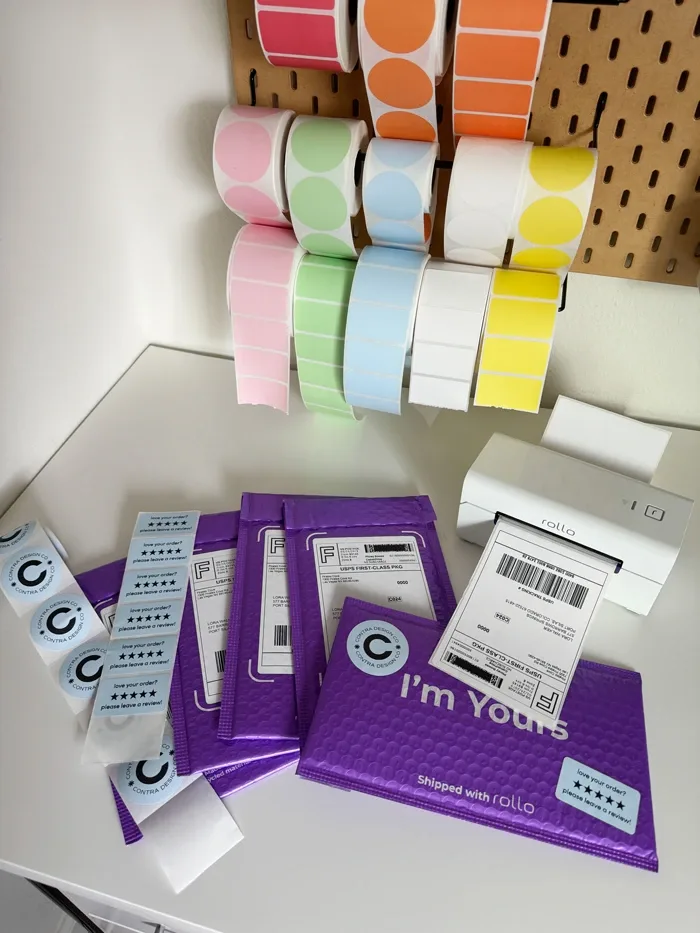
Claudine in customer service helped set up our printer since we have a mesh router at home. I love the printer and all the time savings printing from my phone or my PC. I’m looking into fun stickers to get next. Thanks so much Rollo!
Anonymous (Verified Buyer) –
Jessica R. (Verified Buyer) –
Jennifer T. (Verified Buyer) –
Paul Gump –
Fast, reliable label printing with no ink costs. Setup was straightforward and it works seamlessly with major shipping platforms. Print quality is consistent and the labels feed without jams. A solid workhorse for a small business shipping operation.
Robert E. (Verified Buyer) –
Fast and great quality
Adam Townley (Verified Buyer) –
James Ludwig –
Crazy fast. Increased our companies productivity significantly. Saves about 2 hours a day from taping labels onto packaging. StratusXp! Highly recommend. Make the purchase! It’s worth it for your small business.
Anonymous (Verified Buyer) –
Chad B. (Verified Buyer) –
richard (Verified Buyer) –
For the money, this has been the absolute best solution for my use case. Im glad i went with you instead of other competitors, because i’m still blown away how easy to use your product is to use given the form factor. A++
Colin Bailey –
Great printer for our small business.
Brandon Boyd (Verified Buyer) –
For over $250 it is an investment that can’t be taken lightly. However it’s worth every penny. I was up and running and printing order and shipping labels in under 10 mins. This is such a time saver over printing on 8.5×11 and cutting each label out.
Anonymous (Verified Buyer) –
Eric Mejia –
I’ve been using the Rollo wireless printer and it’s honestly been a game changer for shipping labels and small business orders. Setup was quick and straightforward, and it connected to my devices without any hassle. The print quality is sharp and clean, especially for barcodes and labels, which is exactly what I needed.
maxine dixon (Verified Buyer) –
Sarah M. (Verified Buyer) –
Incredibly easy to set up and use
Anonymous (Verified Buyer) –
I hardly ever leave reviews, but I need to for this amazing shipping printer! Hooked up perfectly!
I had tried a DYMO printer first, and they were still on technology invented in 1972 that made me contemplate my own existence.
This printer will fill you with joy and abundance
Greg C. (Verified Buyer) –
Extremely easy set up
Derek Gagnon –
This is hands down the best label printer I have used. Skip the wired version and go straight to the wireless version.
Damien Lolar (Verified Buyer) –
ernest morris (Verified Buyer) –
All good to go!
Anonymous (Verified Buyer) –
Rob McQueen –
I love this printer. I can finally use air play and print labels from anywhere in the house. Amazing printer
Rob McQueen –
I linked this printer to my small business website and the orders get sent to the Rollo app seamlessly
Ladawna Leeth (Verified Buyer) –
Virgil Nethercott –
I’m glad I went with this printer first. It’s really the best one to use
Luke Hermes (Verified Buyer) –
Love this thing
Ethan Avila (Verified Buyer) –
Anonymous (Verified Buyer) –
great! easy to set up and use. perfect!
Anonymous (Verified Buyer) –